
Supabase.
How to connect Supabase (Database/Auth) to your Google AI studio/Lovable.

No one is telling you why your AI apps feel “fake.”
So I will.
You build a beautiful tool in Lovable. You vibe code a masterpiece in Cursor.
Then you refresh. And the data is gone.
(Poof).
The users can’t log in. The settings didn’t save.
That’s because your AI is a genius with zero long-term memory.
It has no place to “put” things.
Every top-tier AI tool (Google AI Studio, Lovable, Bolt) is obsessed with Supabase because it’s the only backend that is as fast as your vibes.
This guide will:
✦ Explain why Supabase is the “Nervous System” of 2026 AI apps.
✦ Give you the (actually) clean steps to connect it to Lovable/AI Studio.
✦ Teach you how to whisper to your database like a pro.
1. The “Goldfish” Problem.
Vibe coding is fast.
But without a database, you’re just building high-end prototypes.
If you want to build a business (the kind that makes money while you sleep),
you need Persistence.
Supabase is just “Postgres” (the world’s most boring, reliable database)
but with a hoodie and a skateboard.
It gives you:
Auth: People can actually “Sign Up.” (Groundbreaking, I know).
Storage: Where your AI puts the images/videos it generates.
Database: Where the “truth” lives.
Most people think databases are scary.
They aren’t.
They’re just spreadsheets that don’t break when 1,000 people use them at once.
2. The “Handshake” (Connecting Supabase to Lovable).
If you spend more than 5 minutes on this, you’re doing it wrong.
Step A: The Supabase Side.
Go to Supabase.com.
Create your organization.
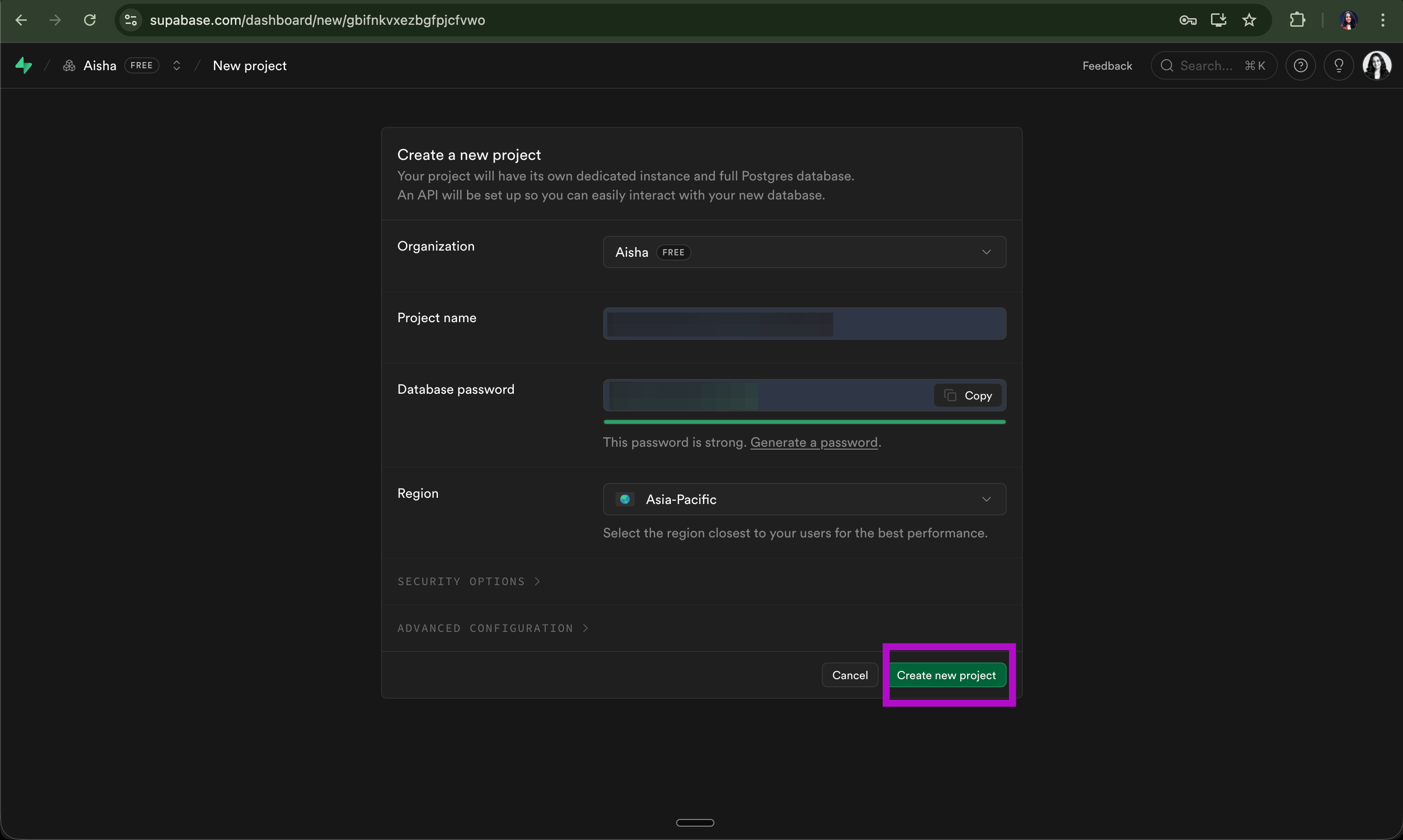
Create a new project at Supabase.com.
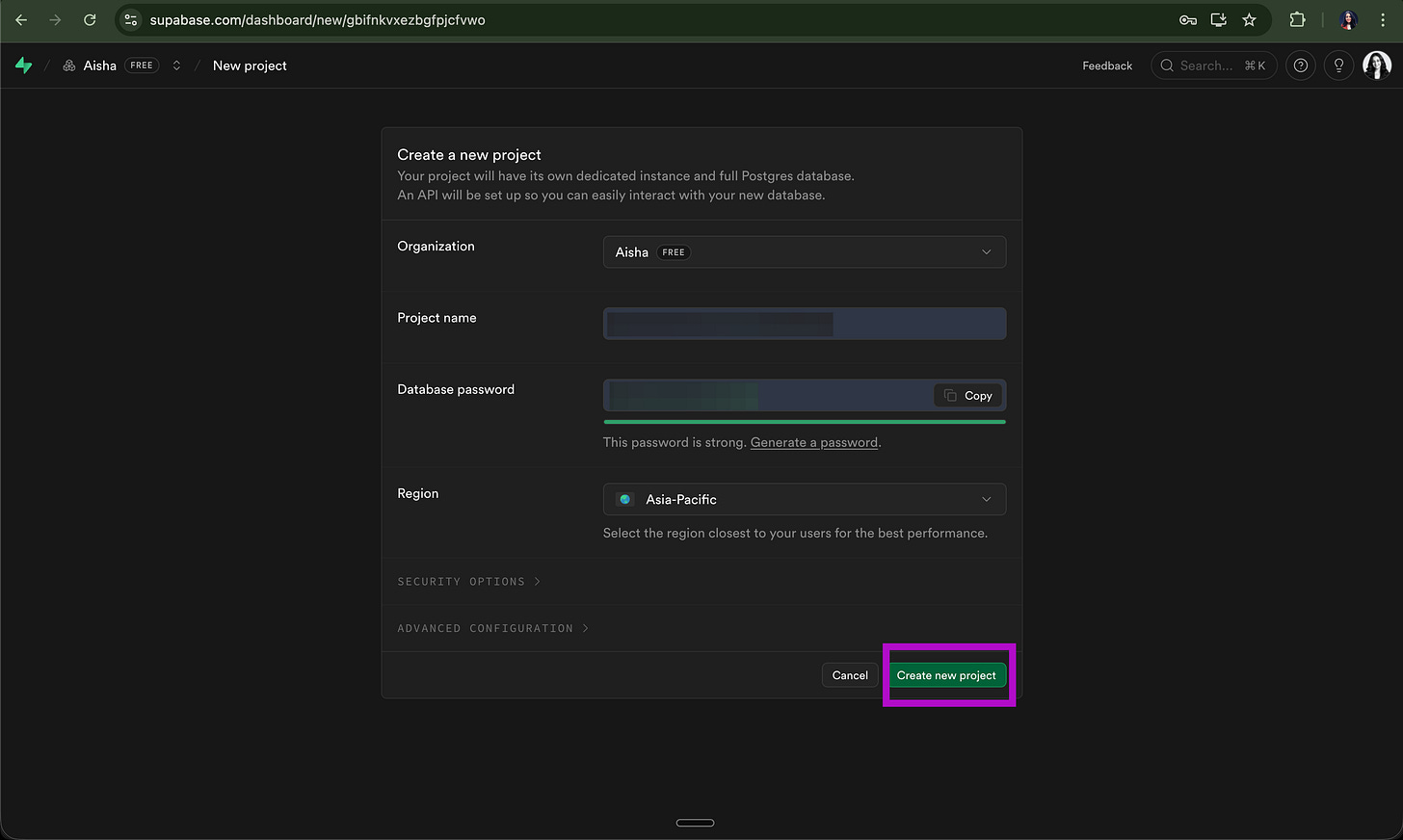
Give it a name (e.g., “AishaIsTheBest”).
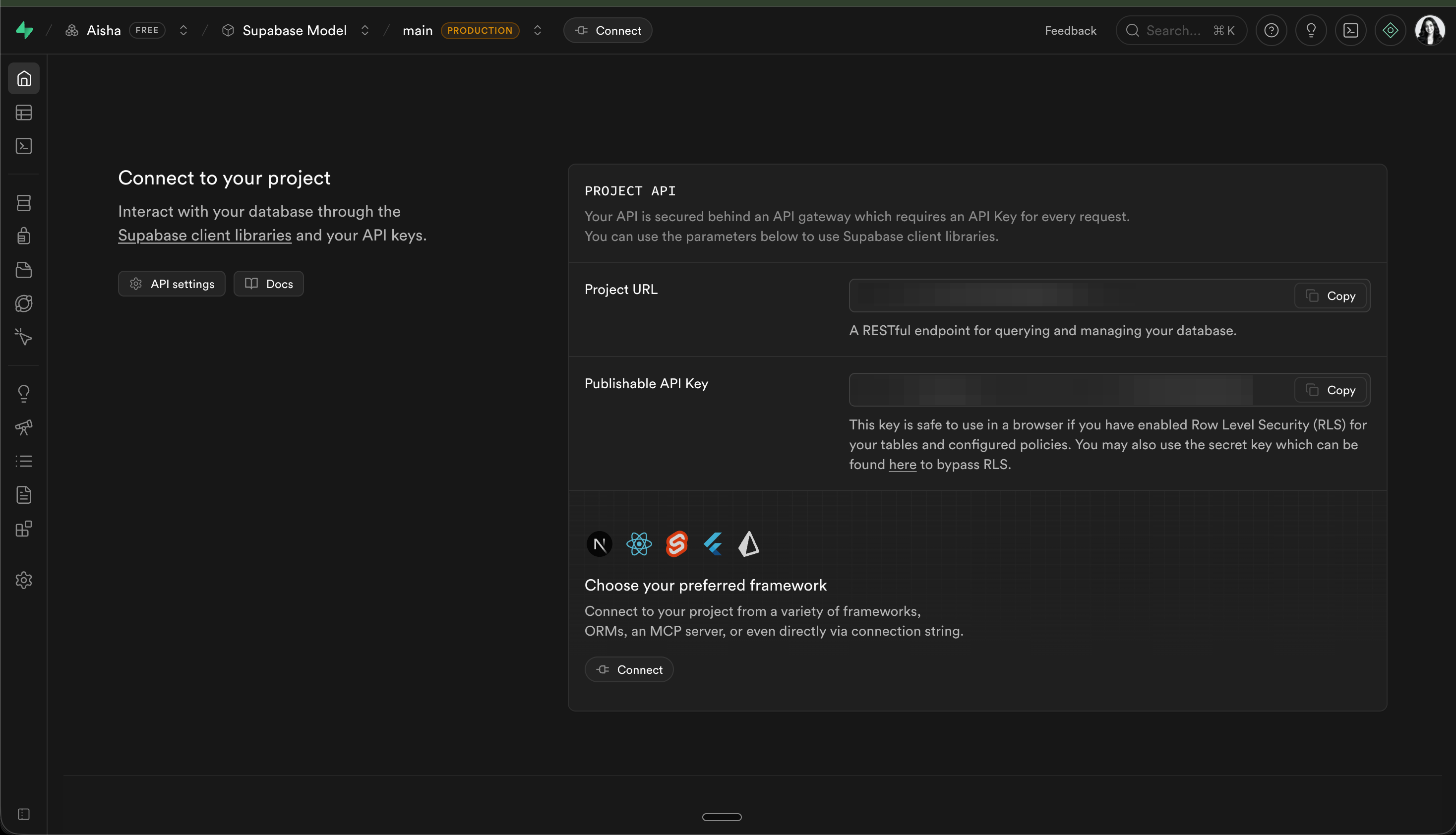
Important: Copy your
Project URLand yourAPI Key(the ‘anon’ public one).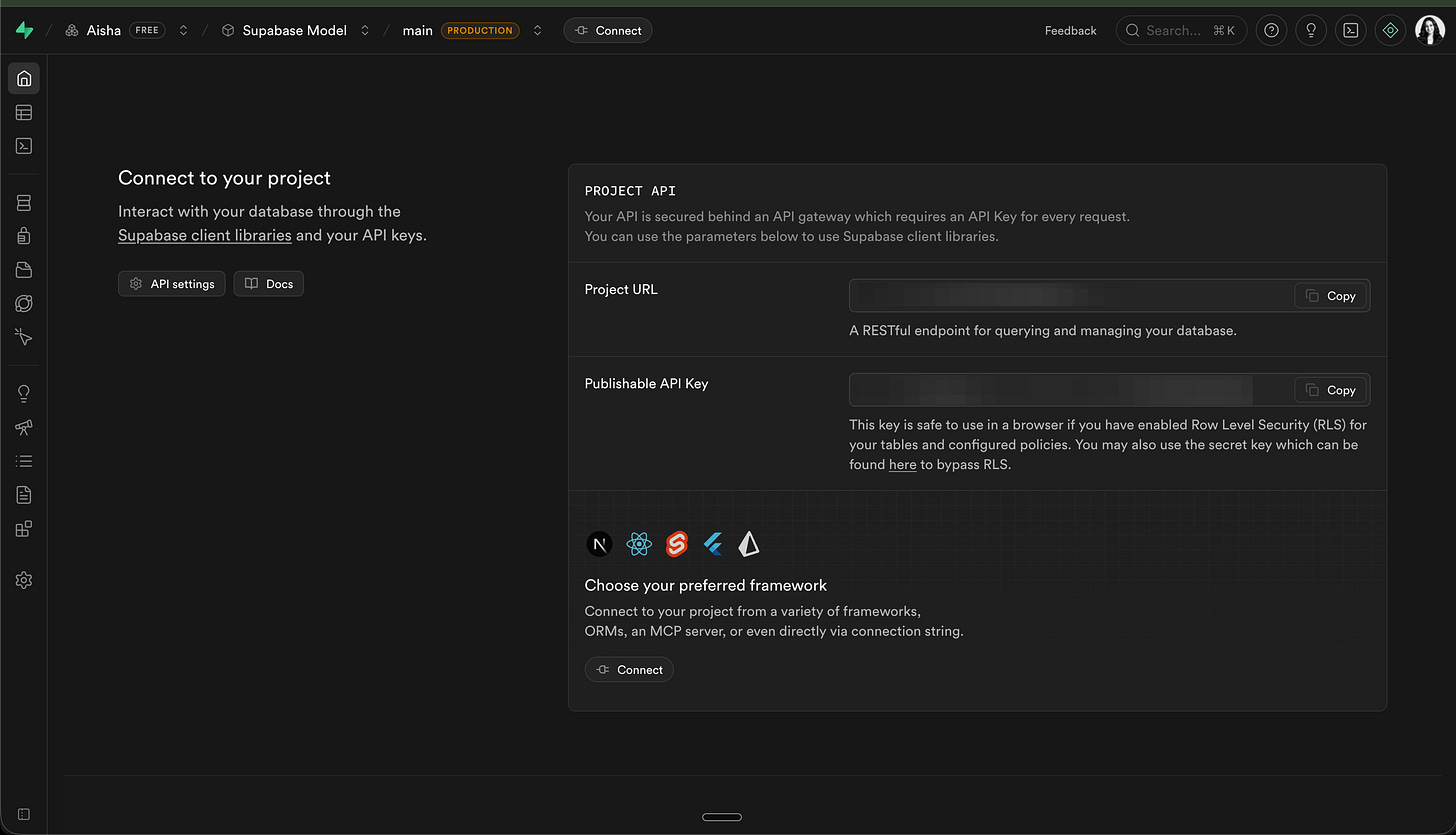
Step B: The Lovable Side.
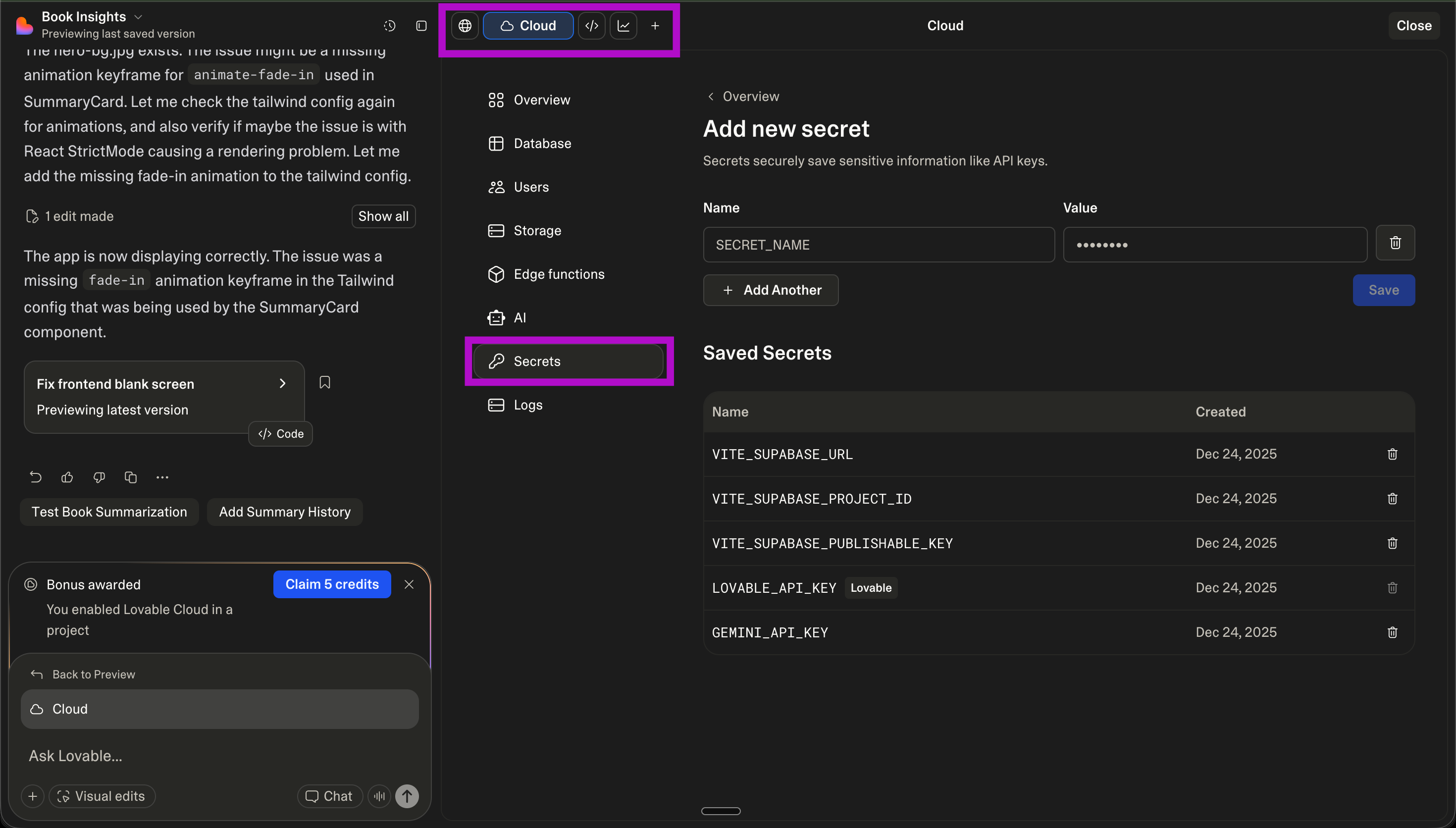
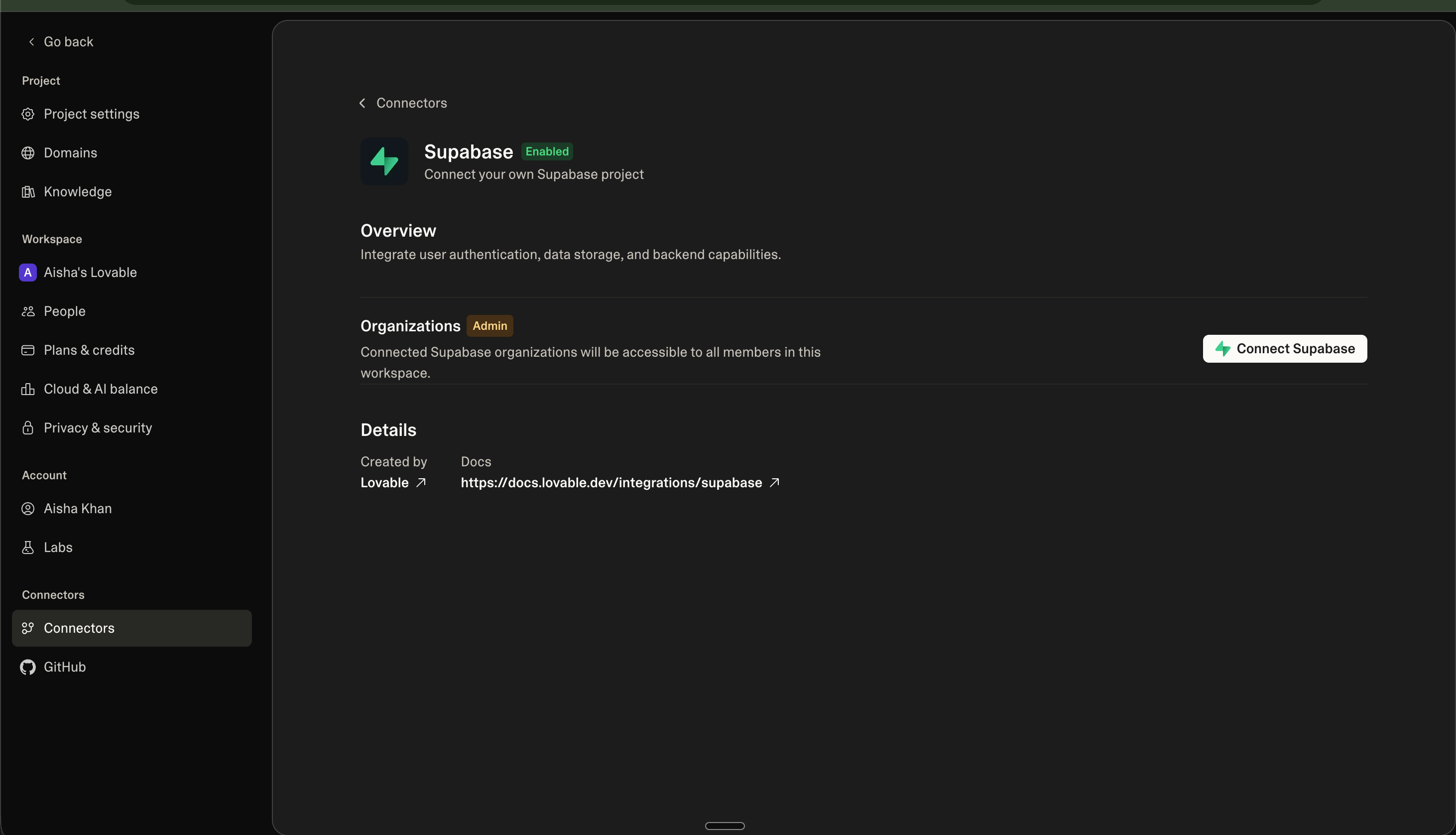
Open your project settings in Lovable.
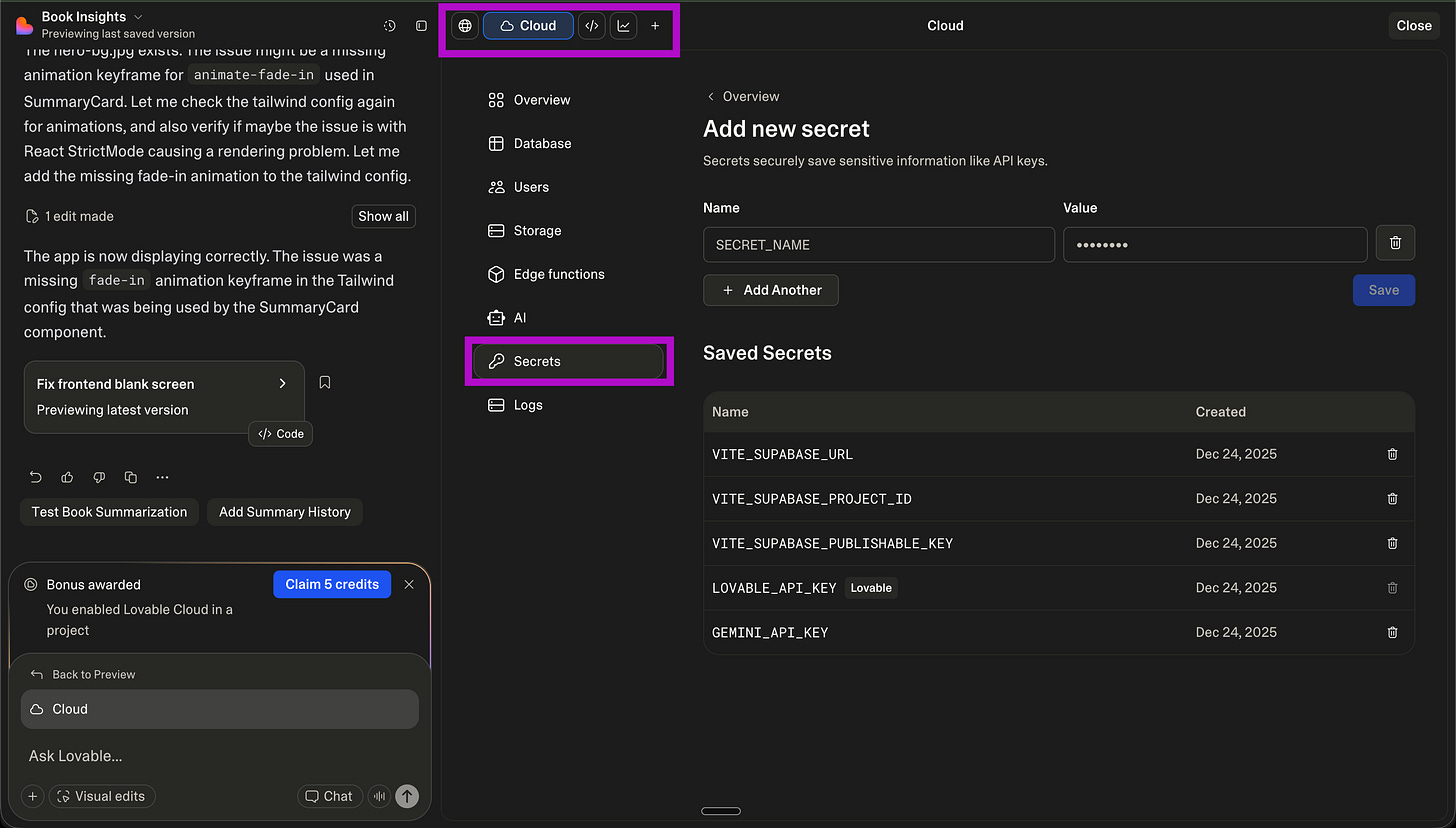
Look for the “Connectors” > “Supabase” tab.
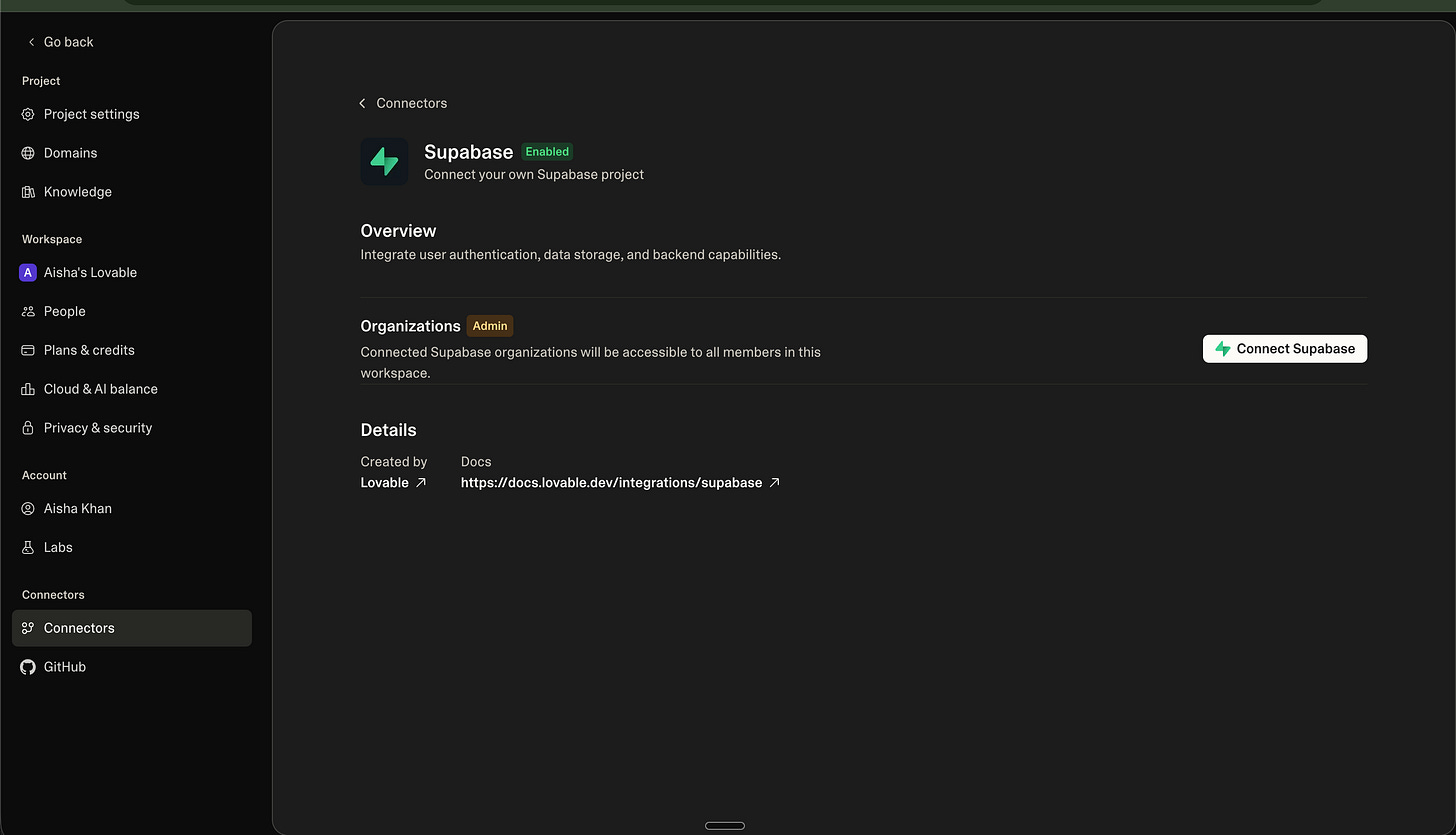
Paste the URL. Paste the Key. Alternatively, you can connect to Supabase directly from here.
Click “Connect.”
Step C: The Magic Word.
Once connected, don’t write SQL. (We don’t do that here).
Tell Lovable: “I want to create a ‘profiles’ table that stores the user’s name, bio, and total AI credits. Link it to the auth system.”
Lovable will talk to Supabase for you.
It’s like a waiter taking your order to the chef.
3. Supabase.
Think of Supabase as a Lego Organizer.
The Tables are the little plastic bins.
The Rows are the individual Lego bricks.
The Columns are the “Type” of brick (is it red? is it 2x4?).
If you want your AI to be smart, you have to tell it which bin to look in.
If you tell the AI “save this,” but you haven’t made a bin yet, the AI will just throw the Lego on the floor.
Don’t be that person.
4. How to get the most out of it.
Don’t just store text. Store Vectors.
Vectors are just numbers that represent “meaning.”
It’s how AI searches through 10,000 documents in 0.1 seconds.
The Power Move: Ask Lovable to “Enable pgvector in Supabase so my app can ‘search’ through all the user’s past notes by context, not just keywords.”
5. Stop being a "regular" builder.
Most people pay for AI tools and use 10% of the power.
They’re basically paying full price for a car and walking everywhere.
They have no users.
They have no data.
They have no value.
I’m giving you the other 90%. I’ve built a community for those who want to build real AI SaaS products.
The Deal:
I give you the exact blueprints to build $10k/mo products. You get the prompts. You get the workflows. You get the wins.
If you want to stay slow, don’t subscribe. If you want to own the future, click the button.