
Lovable.
How we build a high-utility AI tool in 10 minutes (without code).

We spent decades thinking software development was for “them.”
The geniuses. The math wizards. The guys with 4 monitors and zero social life.
In 2025, that wall is gone.
If we can describe a dream, we can build a product.
Lovable is the tool that made “Vibe Coding” a reality for us, turning plain English into production-ready apps.
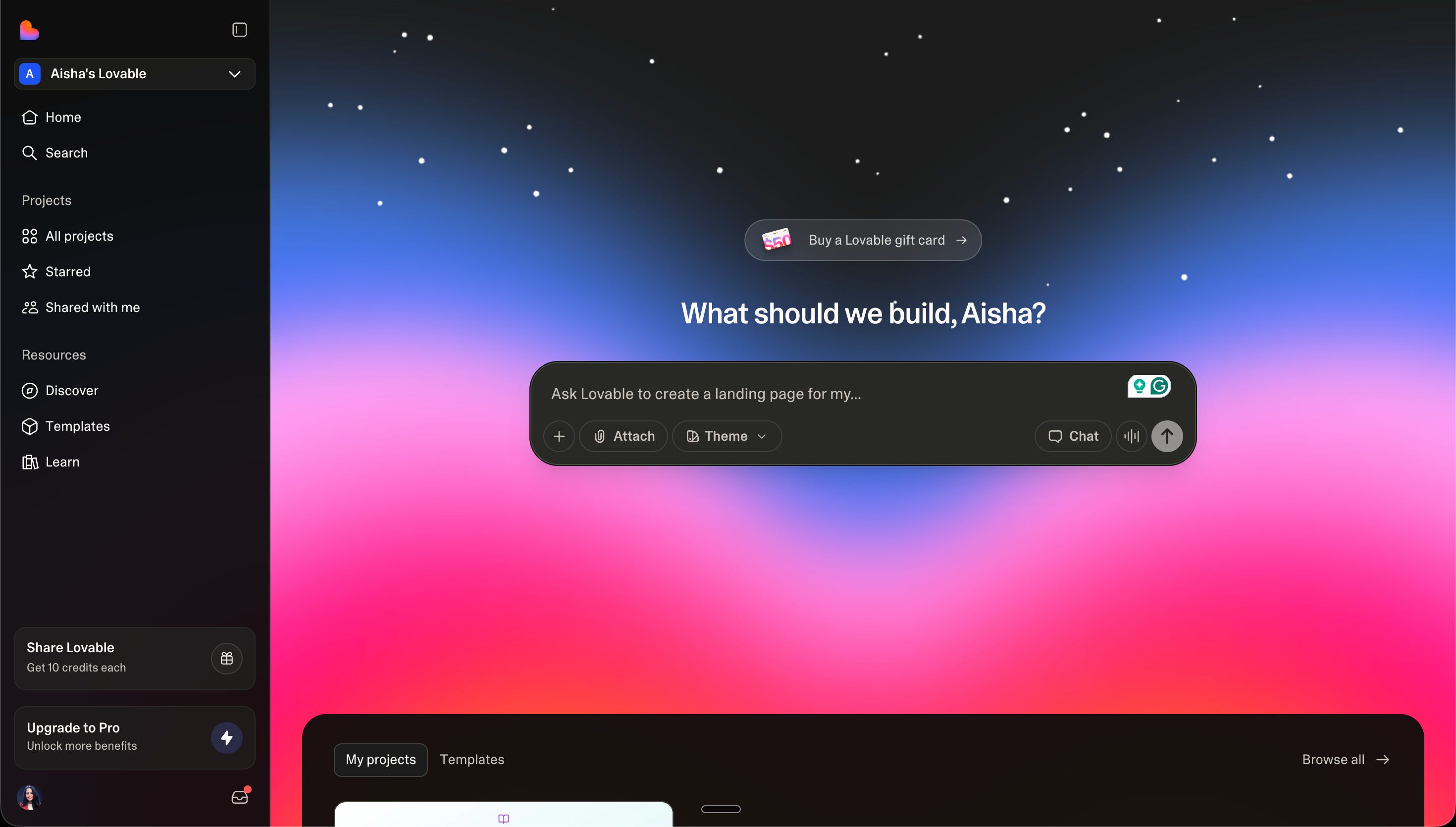
This is our “stupidly practical” guide to mastering the most powerful builder on the planet.
We aren’t just talking.
We are building BookMind 📚, a live AI app, from scratch.
Right now.
Here is the blueprint:
✦ The 5-Step Velocity Pipeline.
✦ Atomic Prompting: Why we build with Legos, not blenders.
✦ The Brain: Connecting Supabase without the headache.
✦ The Safety Net: Why your API key is a “blank check.”
Let’s ship.
1. Account.
We start with a clean slate.
Most of us jump into the chat and start screaming at the AI.
Don’t.
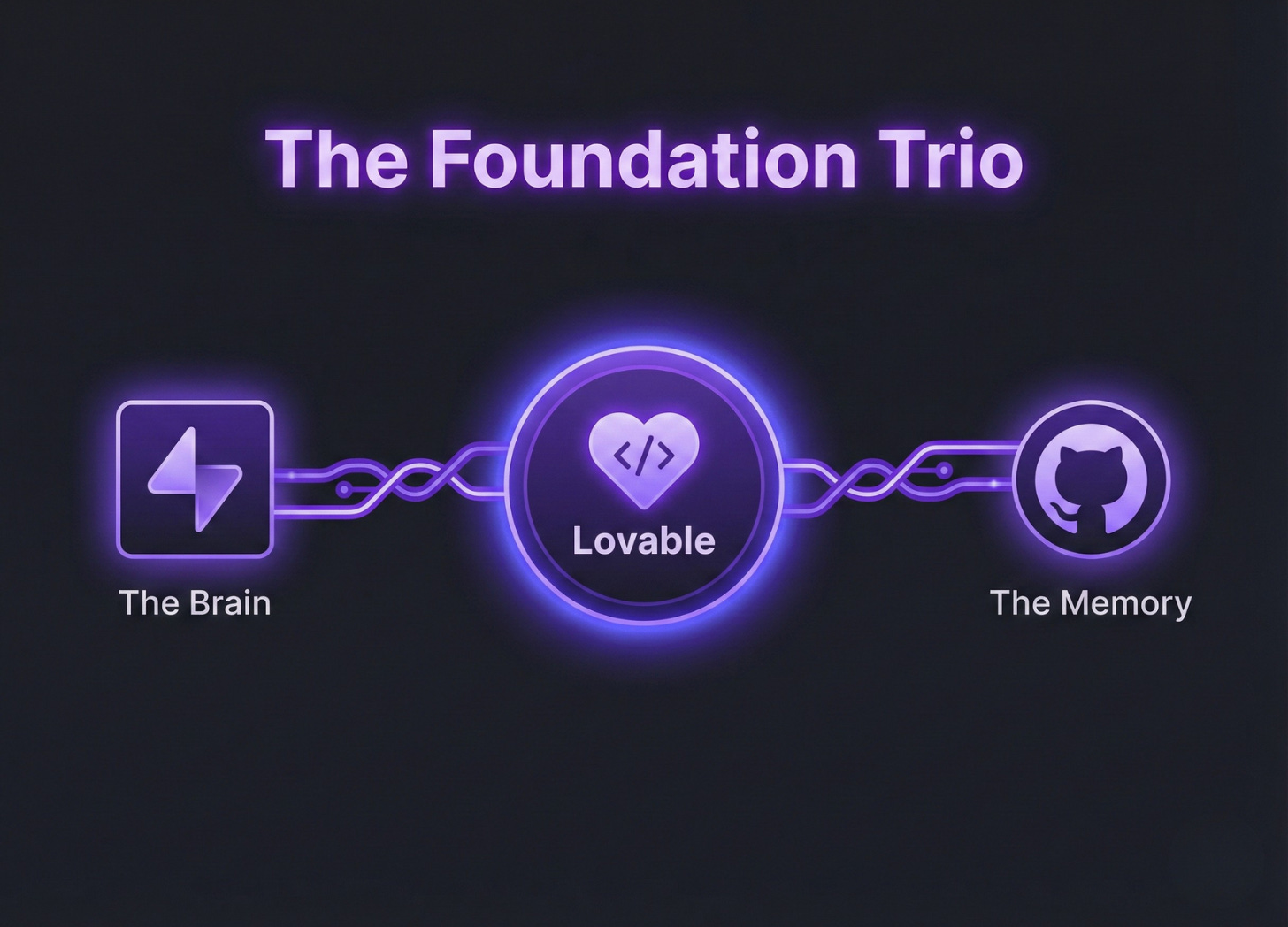
First, we set our foundation. We sign up at lovable.dev and immediately connect two things: Supabase (our database) and GitHub (our code storage).
Without these, we’re just drawing on a whiteboard. With them, we’re building a business.
2. Directing.
We don’t “prompt” our way into good design. We prompt from it.
Most of us make the “Blender Mistake”, we dump a 10-page list of requirements into one prompt.
The AI gets confused and gives us “spaghetti slop.”
We use Atomic Prompting. We build one component at a time.
✦ Our Step-by-Step Flow:
The Hero: “Create a minimalist landing page header with a ‘Login’ button and a ‘Start Free’ CTA.”
The Logic: “Add a feature where clicking ‘Start Free’ opens a signup modal.”
The Data: “Connect this form to our Supabase ‘users’ table.”
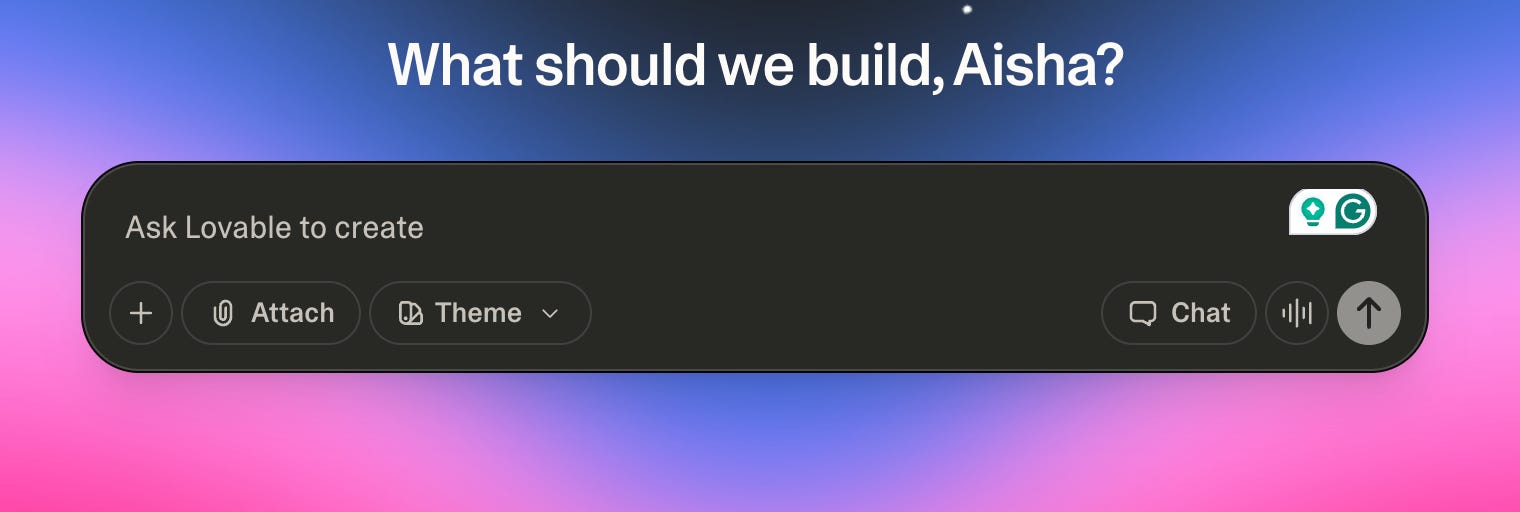
Pro Tip: The Question Hack.
At the end of every prompt, we add: “Ask me any questions you need to fully understand this feature before you build it.”
We force the AI to interview us. It kills errors before they start.
3. Tweaking.
We stop being authors and start being Creative Directors.
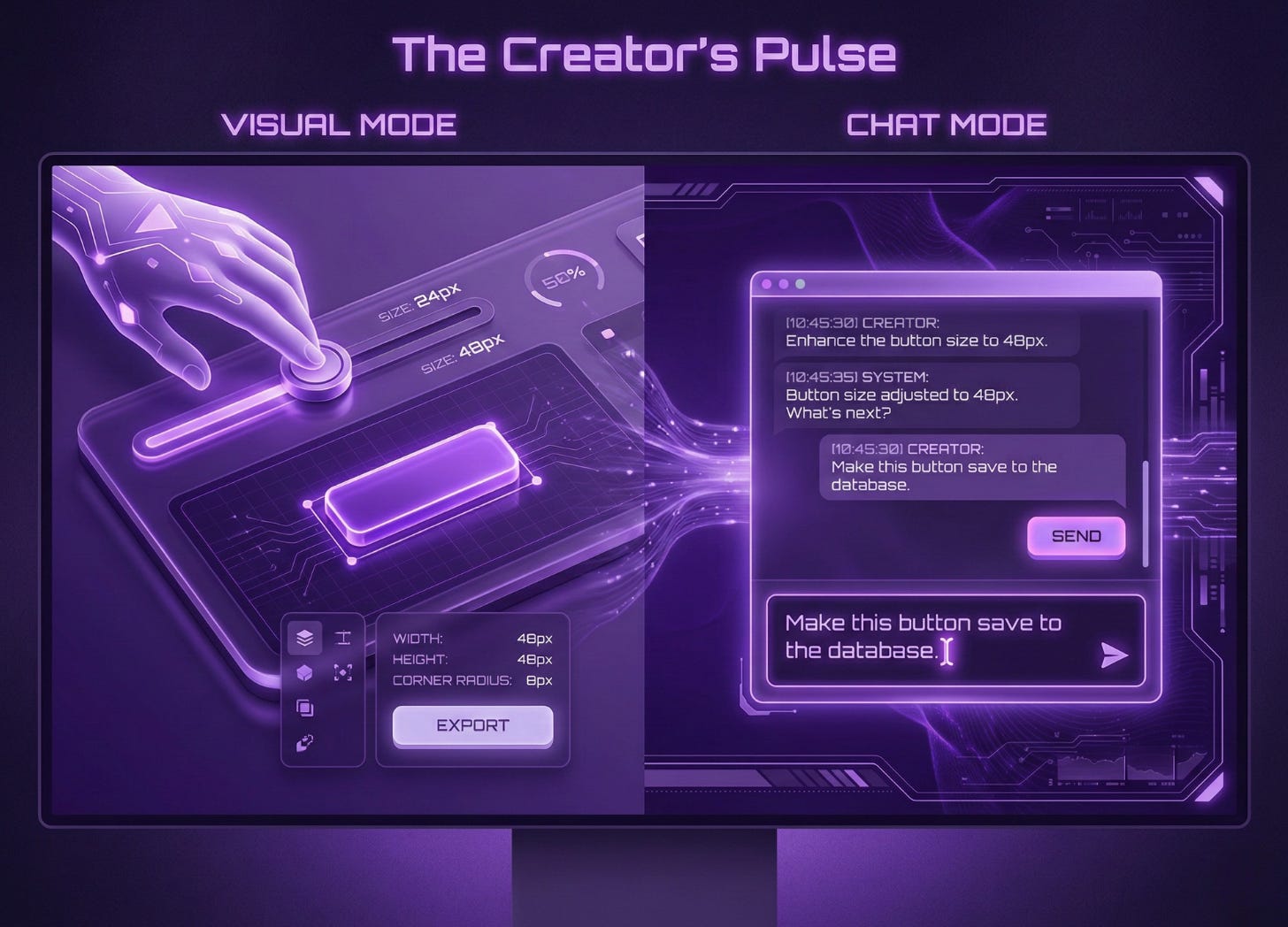
Lovable gives us a “Visual Edit” tool. It’s like Figma but for live code.
If a button is the wrong shade of blue, we don’t type a paragraph.
We click the button, change the color visually, and hit Save.
We use Chat Mode for logic and Visual Mode for “the vibes.”
4. Batteries.
A SaaS is useless if it doesn’t remember us.
We use the Supabase Integration 2.0.
We don’t write SQL. We describe the relationship.
“We need a ‘tasks’ table where each task belongs to a specific user. Ensure users can only see their own tasks.”
Lovable writes the Row Level Security (RLS) rules for us.
It’s like having a senior security engineer in our pocket for $0.
5. Shipping.
We don’t “finish” an app; we launch a Milestone.
When our app is 80% there, we hit Publish.
Lovable gives us a live URL instantly. But we don’t stop there.
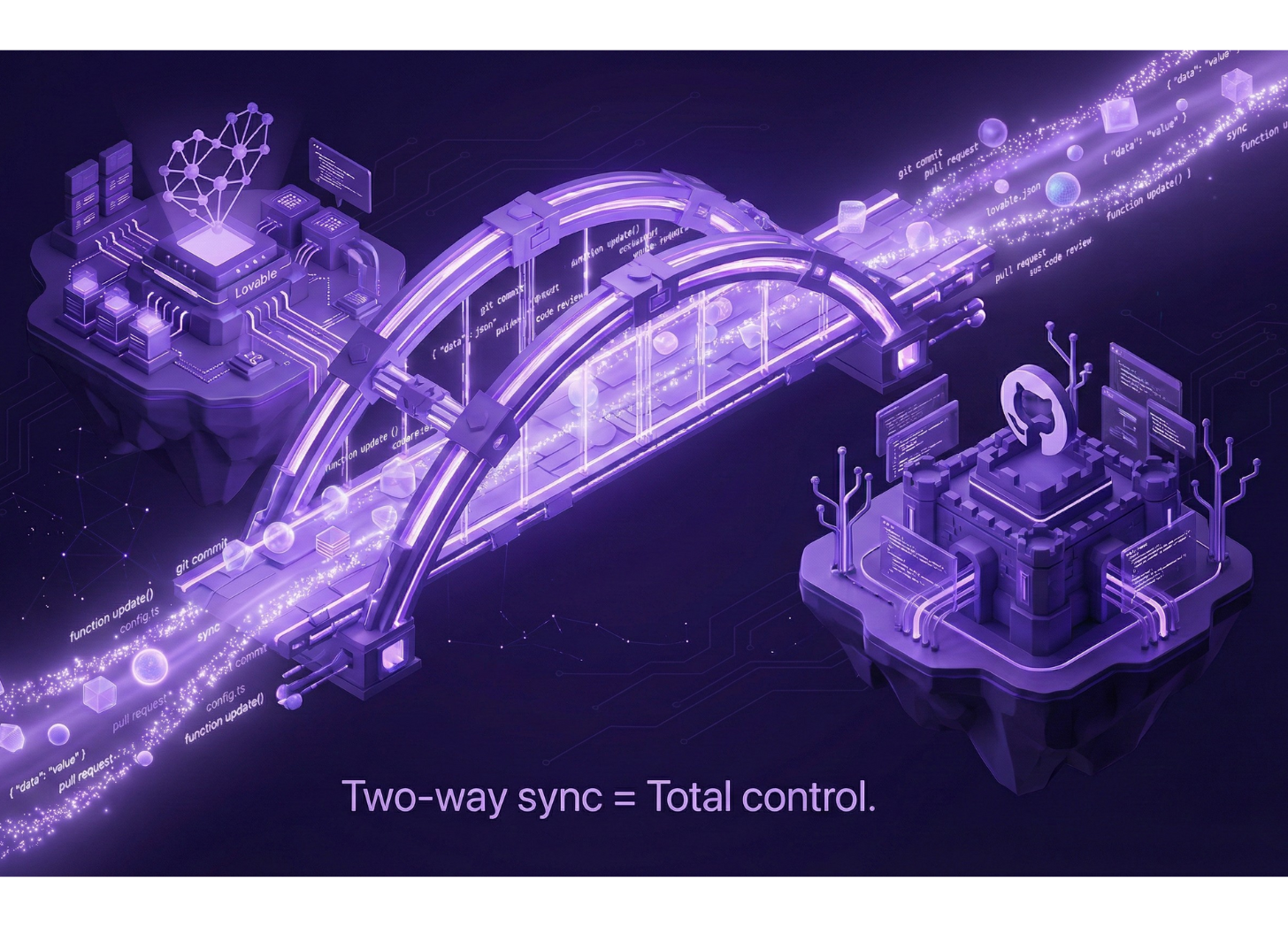
We use the Bi-directional GitHub Sync.
This means we can take our code to Cursor AI for “Frankenstein Tweaks” and sync it back to Lovable.
We own the code. We aren’t locked in.
Let’s Build: BookMind 📚
Enough theory.
Let’s get our hands dirty.
We are building BookMind.
A simple, high-utility AI web app.
The premise: You give it a book title. It gives you 10 lines of pure wisdom.
No fluff. No login. Just insight.
We’re using the Gemini API to power the brain.
We’re using Lovable to build the body.
Here is the step-by-step blueprint to shipping this today.
Step 1: The Foundation (The Prompt)
We don’t start with code. We start with a vision.
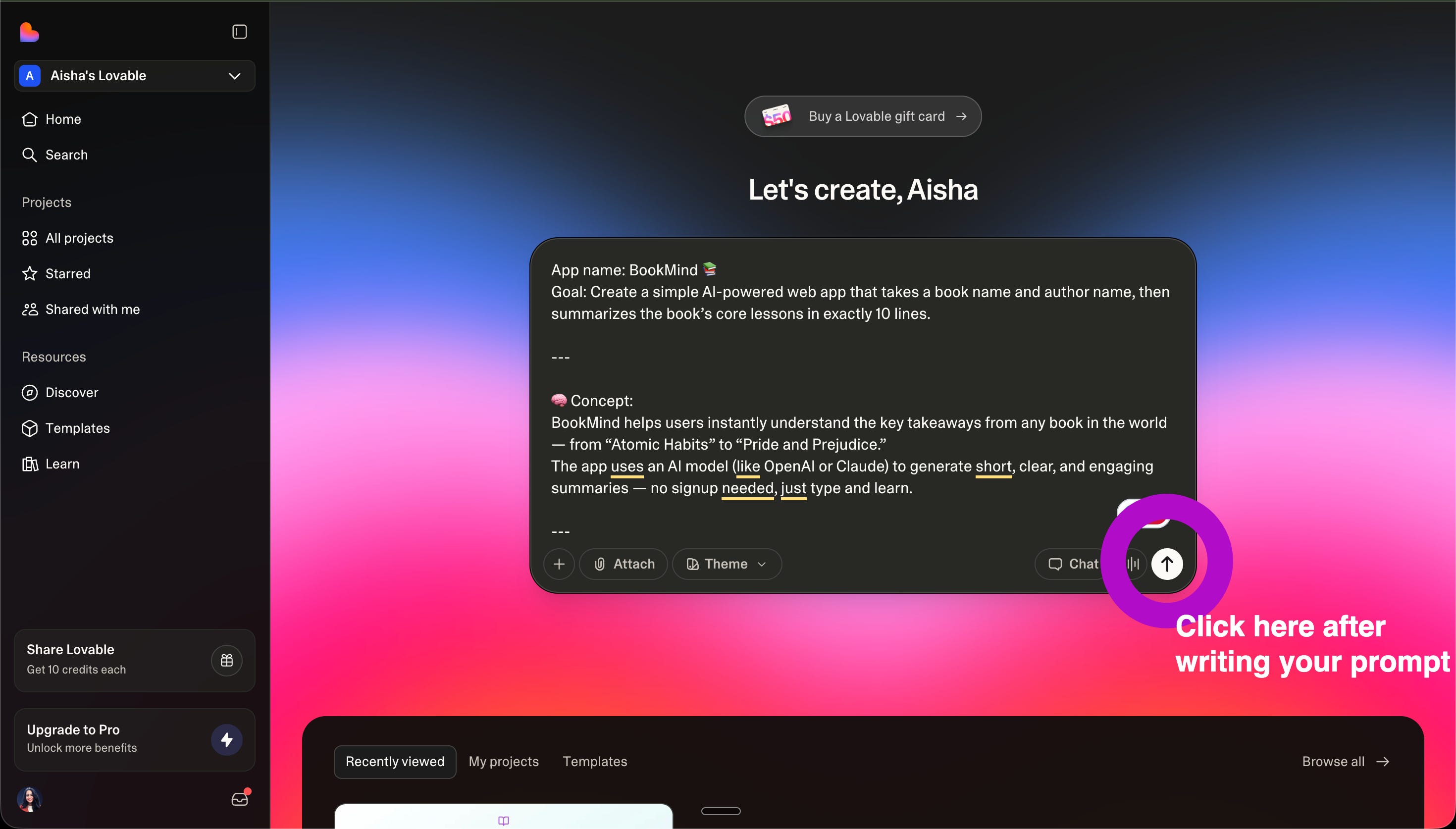
Open a new project in Lovable. Paste this exact “Atomic Prompt” to build our UI:
The Prompt:
Create a clean, modern landing page for an app called “BookMind”.
Use a soft gradient background (white to pastel teal).
Hero Section: Headline “Summarize any book in seconds.”
Subheadline: “Type a book title and author name, get 10 lines of wisdom.”
Input Fields: Two clean fields for “Book Title” and “Author Name.”
The Action: A large, centered button that says “Summarize It ✨”.
The Result: Below the button, a card-style container to display the output.
Footer: “Built with Aisha 💫”
Make it mobile-responsive. No clutter.
Step 2: The Brain (Gemini Integration)
Now we make it smart.
We aren’t writing complex backend logic. We are directing the AI.
Click the Chat icon in Lovable.
Tell it to connect to Gemini using your API key.
The Logic Prompt:
When the user clicks “Summarize It ✨”, send the inputs to the Gemini API.
The Secret Sauce: Use this prompt for the AI:
“Summarize the book [TITLE] by [AUTHOR] in exactly 10 short lines. Each line is one key takeaway. If the book is unknown, say: Sorry, I don’t have information on that one yet.”
The UX: Show a loading animation while the AI thinks. Disable the button so they don’t click it twice. Handle errors gracefully.
Step 3: The Polish (Visual Editing)
This is where we “vibe-code.”
The AI built the layout. Now we act as the Creative Director.
Use the Visual Edit tool.
✦ Is the button too small? Click and drag.
✦ Is the teal too bright? Pick a softer hex code.
✦ Is the font too boring? Swap it for something “Bookish” and elegant.
We don’t type “Make it look better.”
We click until it feels right.
PS: We got an error! Wooohoo!!
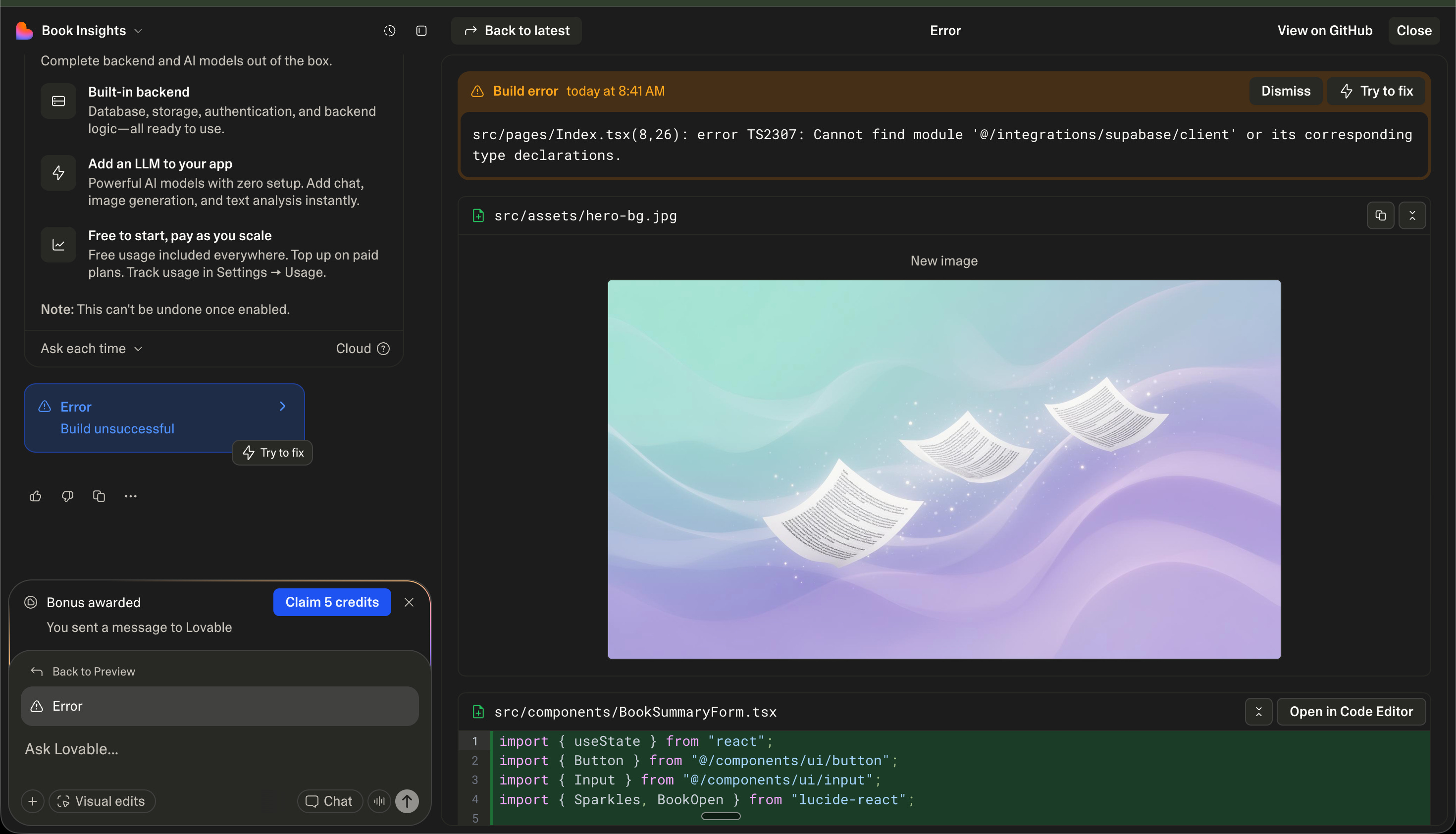
The Ghost in the Machine.
You hit “Preview.” You expect magic.
Instead, you get a red screen and a cryptic error:
Cannot find module ‘@/integrations/supabase/client’.

Let’s have AI fix it for us:
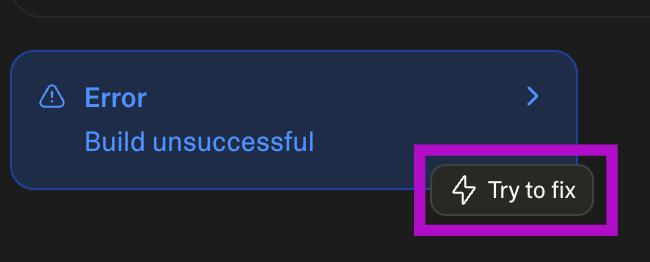
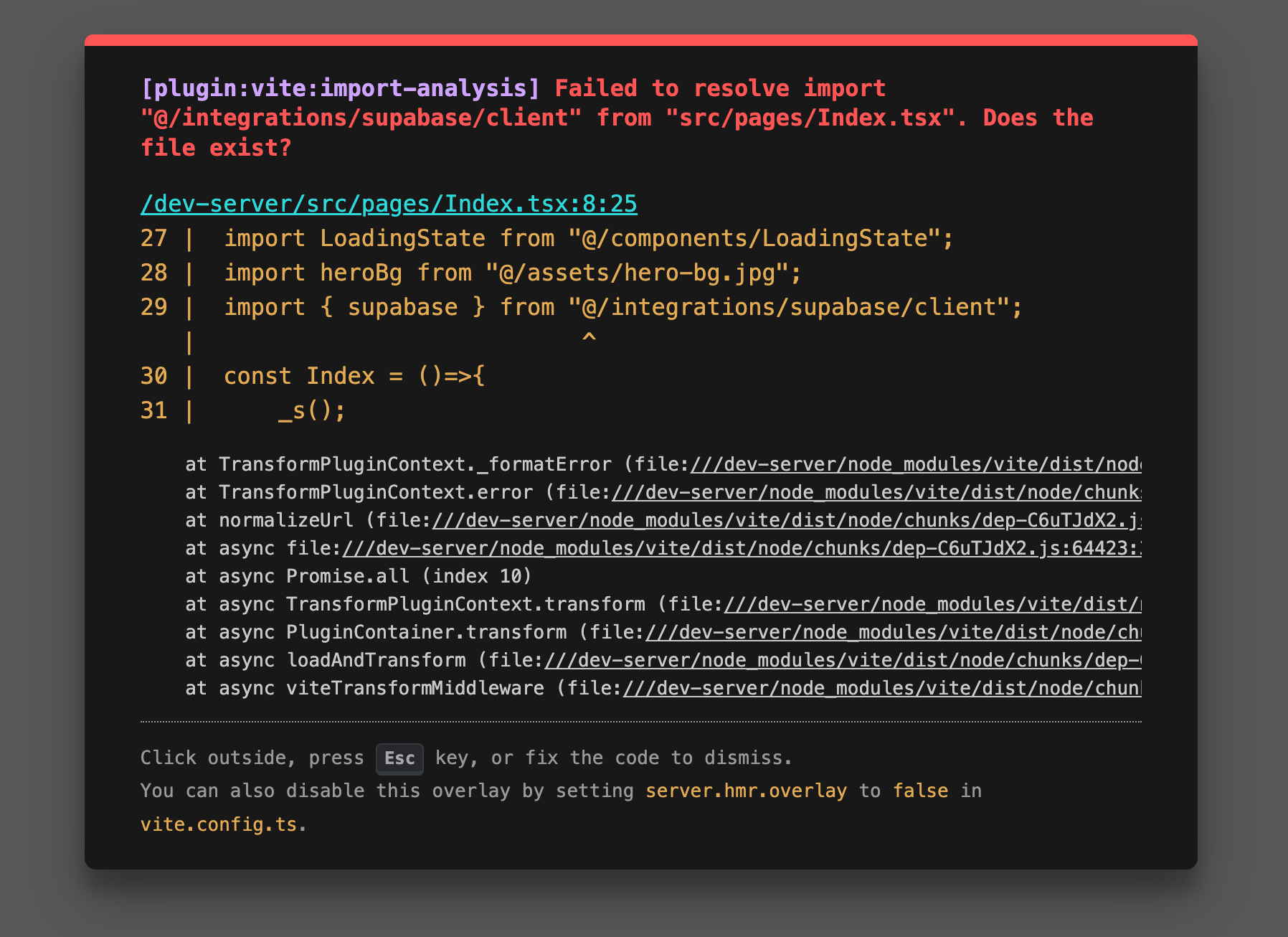
Translation? Your app has a body, but it’s missing its nervous system.
It’s trying to talk to a database that doesn’t exist yet.
It’s looking for a connection that hasn’t been “allowed.”
Most people panic here. They start digging into the code.
Don’t.
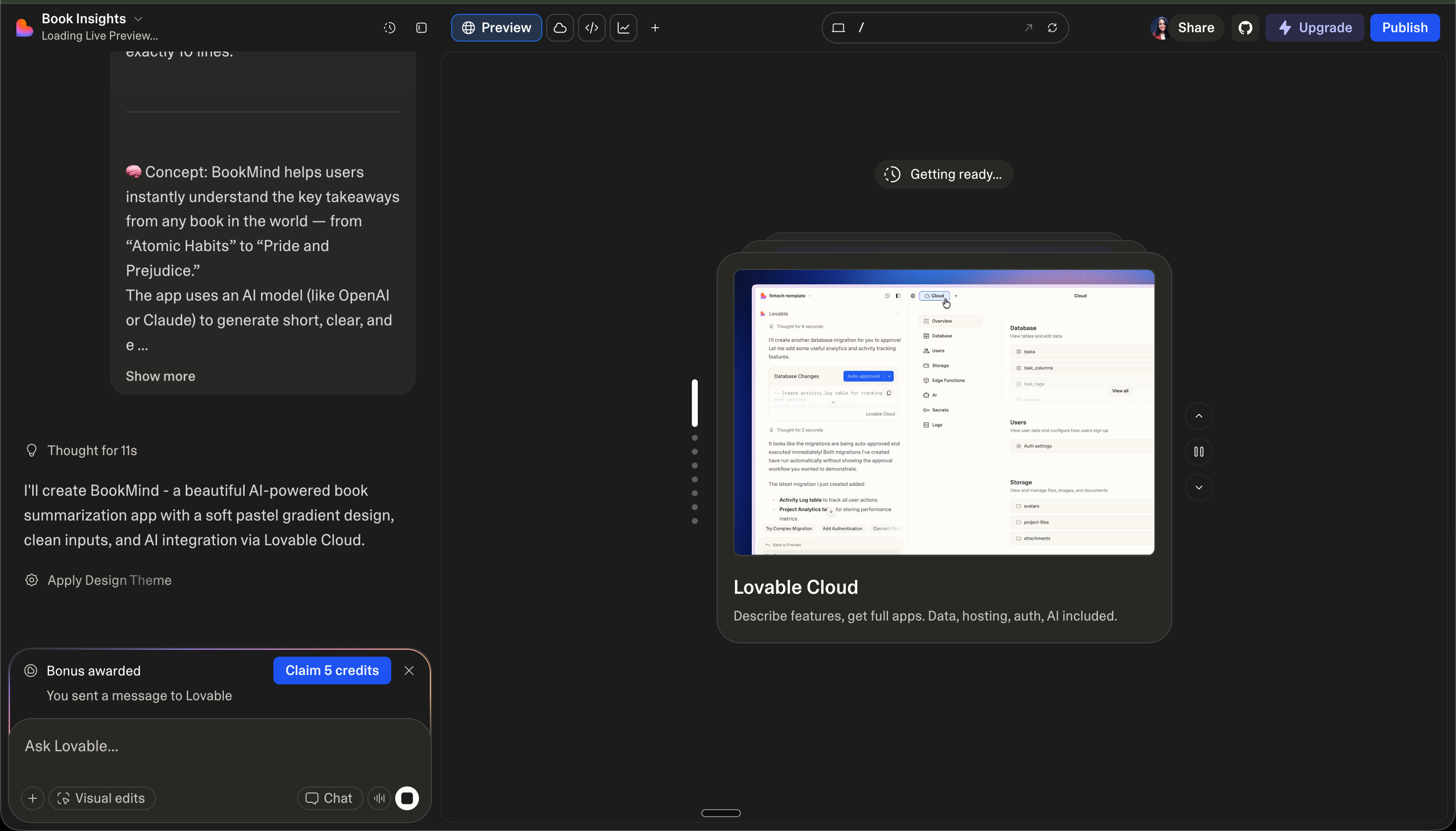
The Solution: Enable Cloud.
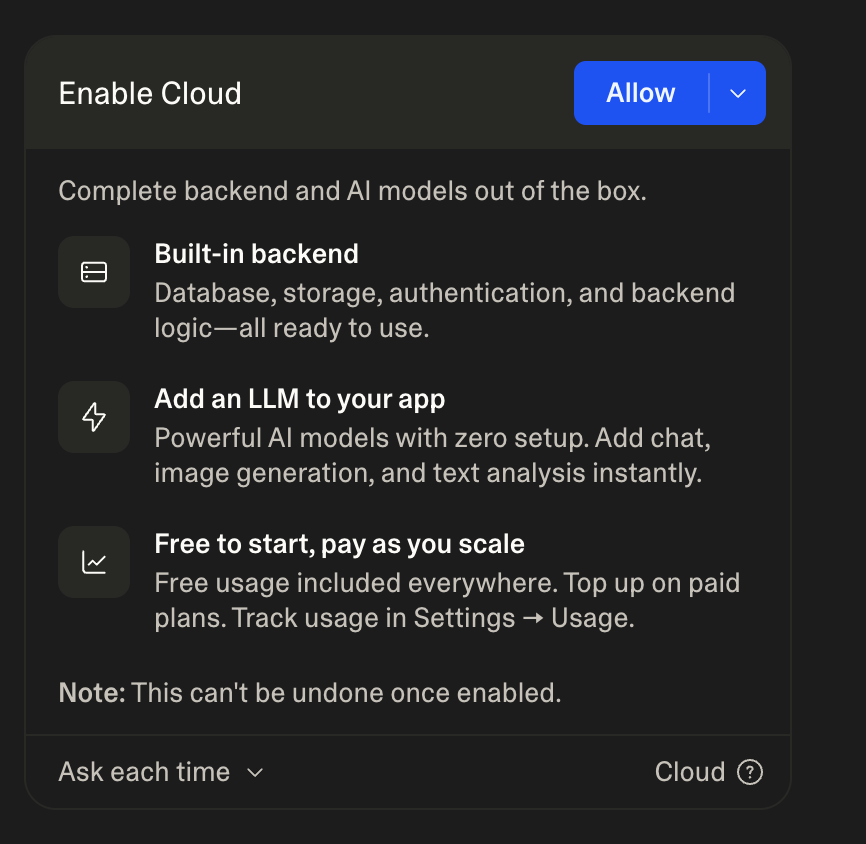
Lovable is asking you to click a big blue button: “Allow.”
Why? Because we are moving from “drawing” to “doing.”
TAKE MY WORDS!!!
“In the old world, fixing a ‘Missing Module’ error meant 20 tabs of StackOverflow.

In the new world, it means giving the AI permission to finish the job for you.
Click Allow. Keep building.”
When you enable Lovable Cloud, three things happen instantly:
1. The Backend is Born.
It creates the actual connection to Supabase. That “missing module” error? It vanishes. The file is generated automatically.
2. LLM Power-Up.
It unlocks the ability for your app to talk to Gemini (or any AI) directly from the backend. No complex proxy servers. No security headaches.
3. Infrastructure on Autopilot.
Database? Auth? Storage?
It’s all set up in one click.
Oh no!
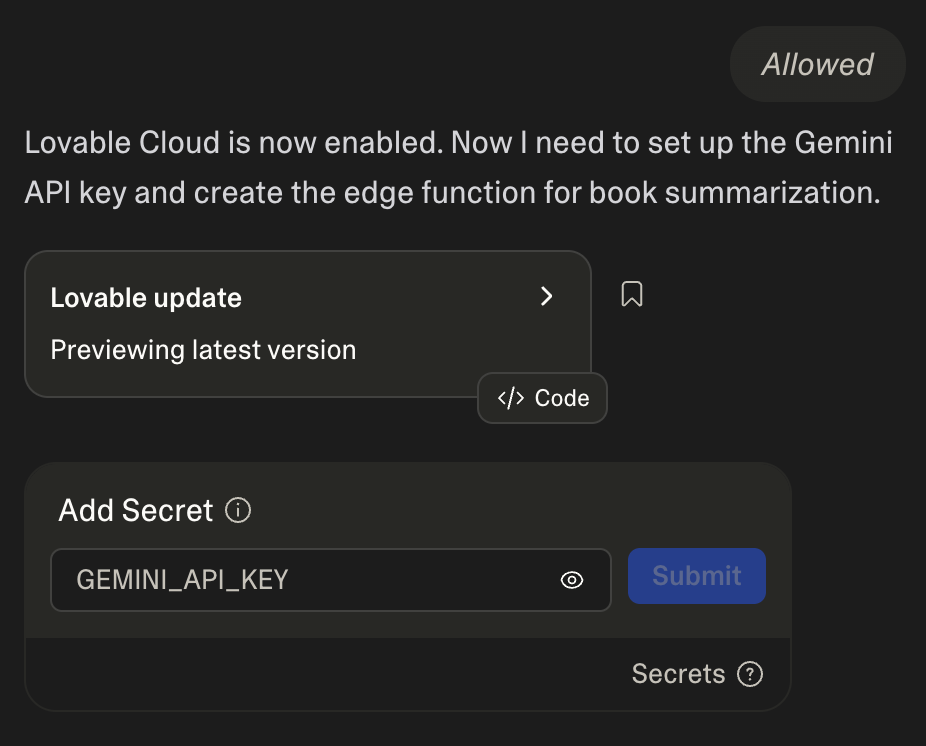
The Key to the Kingdom.
Your app is beautiful. It’s live. But right now?
It’s a brain without a connection.
Lovable is asking for a GEMINI_API_KEY.
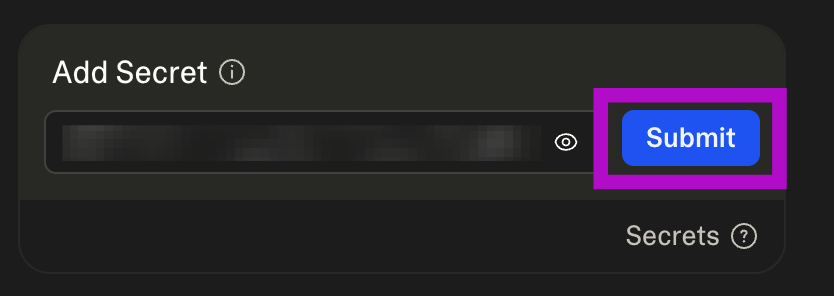
You see the box. You see the “Submit” button.
Here is why this is the most important click of the build.
What is an API Key?
Think of an API Key as your digital passport.
It’s a unique string of characters that tells Google: “Hey, it’s me. I have permission to use your AI brain for my app.”
Without this key, BookMind is just a pretty text box.
With it, you unlock the power of Gemini 1.5 Pro to summarize thousands of books in milliseconds.
Where to get it?
Don’t go hunting on GitHub. Go to the source.
Head to Google AI Studio.
Click “Get API Key.”
Copy that long string of nonsense.
Come back to Lovable and paste it into the “Add Secret” box.
Click Submit.
Why do we need it now?
Because quality isn’t free. We wanted this “fancy” functionality in our app. AI integration.
By providing your own key, you ensure:
✦ Speed: You aren’t sharing bandwidth with thousands of other “free” users.
✦ Control: You decide which model version to use.
✦ Ownership: You are the architect of your own data flow.
🛑 Don’t Be Stupid. 🛑
You see that “Secrets” icon in Lovable? There’s a reason it’s called that.
Keep your key secure.
If you paste your API key directly into your code (instead of using the “Add Secret” box), and then push that code to GitHub...
You’re cooked.
What happens if you leak it?
The Bill: Scrapers will find your key in seconds. They will use it to run their own massive AI projects on your dime. 💸
The Ban: Google will see 50,000 requests coming from a bot using your ID and shut you down. Permanent “Game Over.”
The Breach: It’s the first step in showing the world your security is made of cardboard.
The Rule: We use Environment Variables (Secrets aka ENV).
We hide the key in the vault. We let the app whisper it to the server.
We never, ever show it to the public.
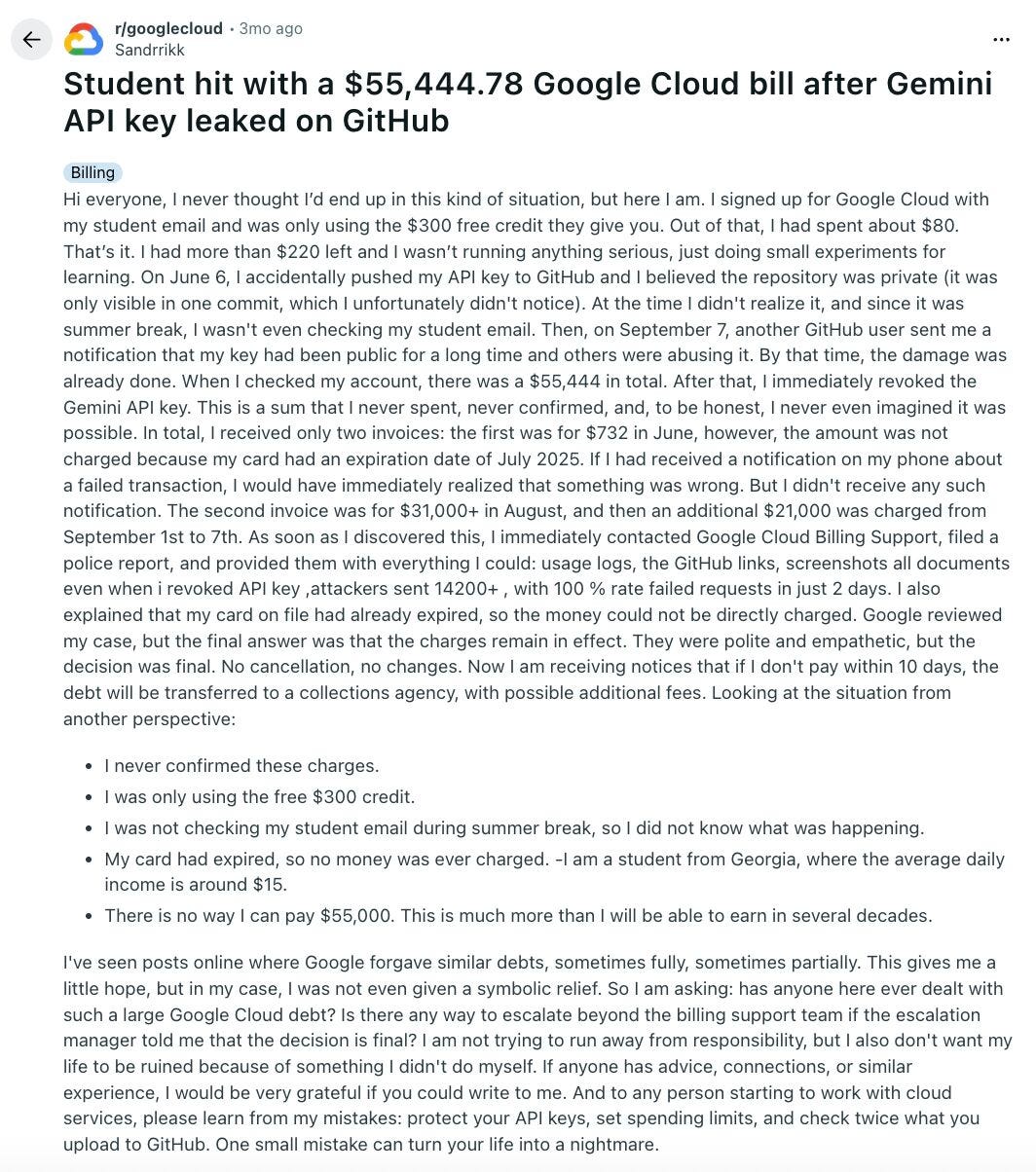
P.S. One “private” commit turned into a $55,444 bill; the student didn’t lose his data, he almost lost his future.
Back to the Build.
Paste the key. Hit Submit.
Watch the terminal.
The “Edge Function” is deploying.
The brain is connecting.
We are 60 seconds away from the first summary.
The “Voilà” Moment.
You hit the button.
The loading spinner dances for three seconds.
Then, it happens.
The screen shifts. The code fades. The product lives.
In front of you isn’t just a “tutorial result.” It’s a specialized AI engine you built from a blank page.
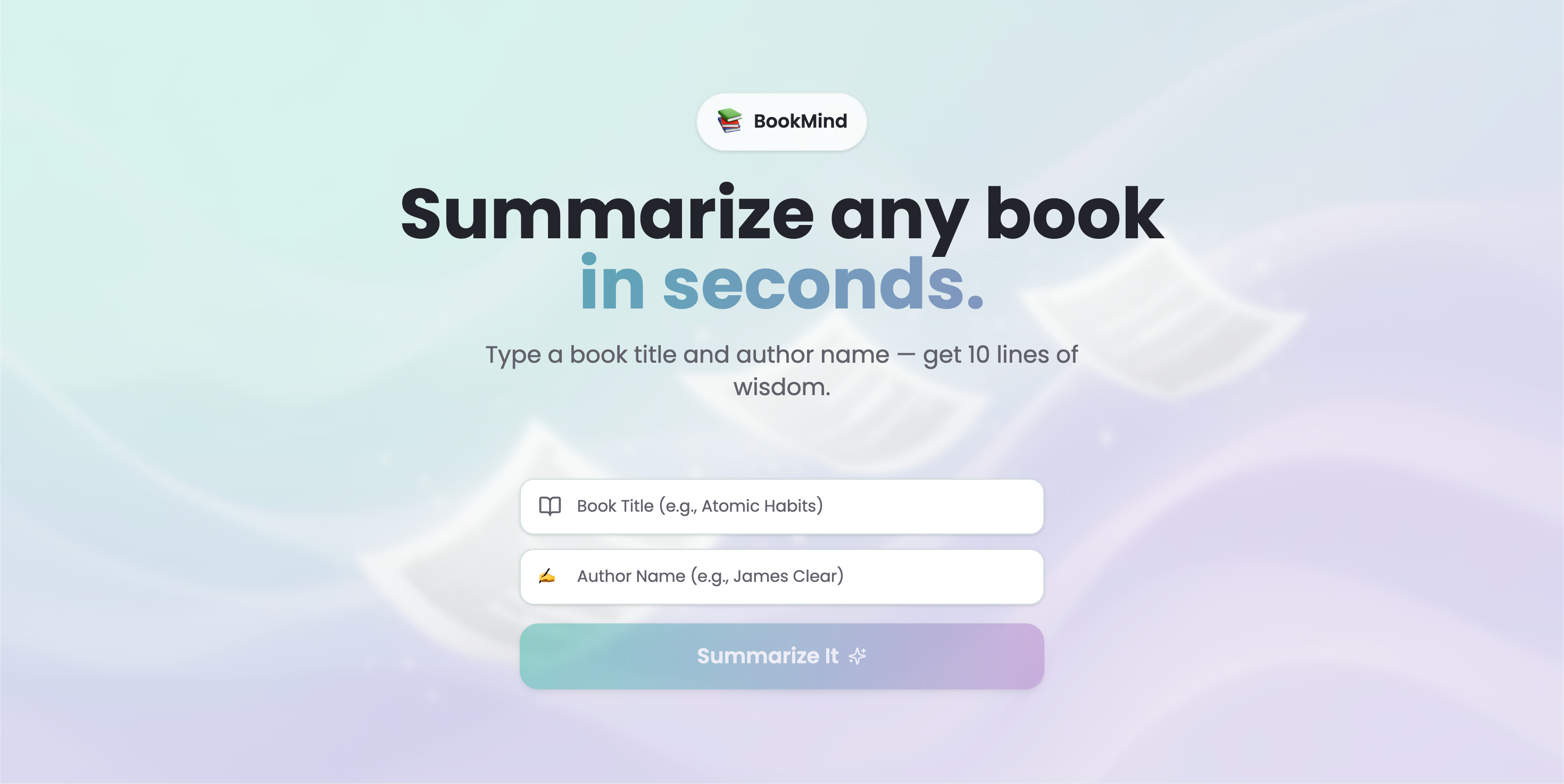
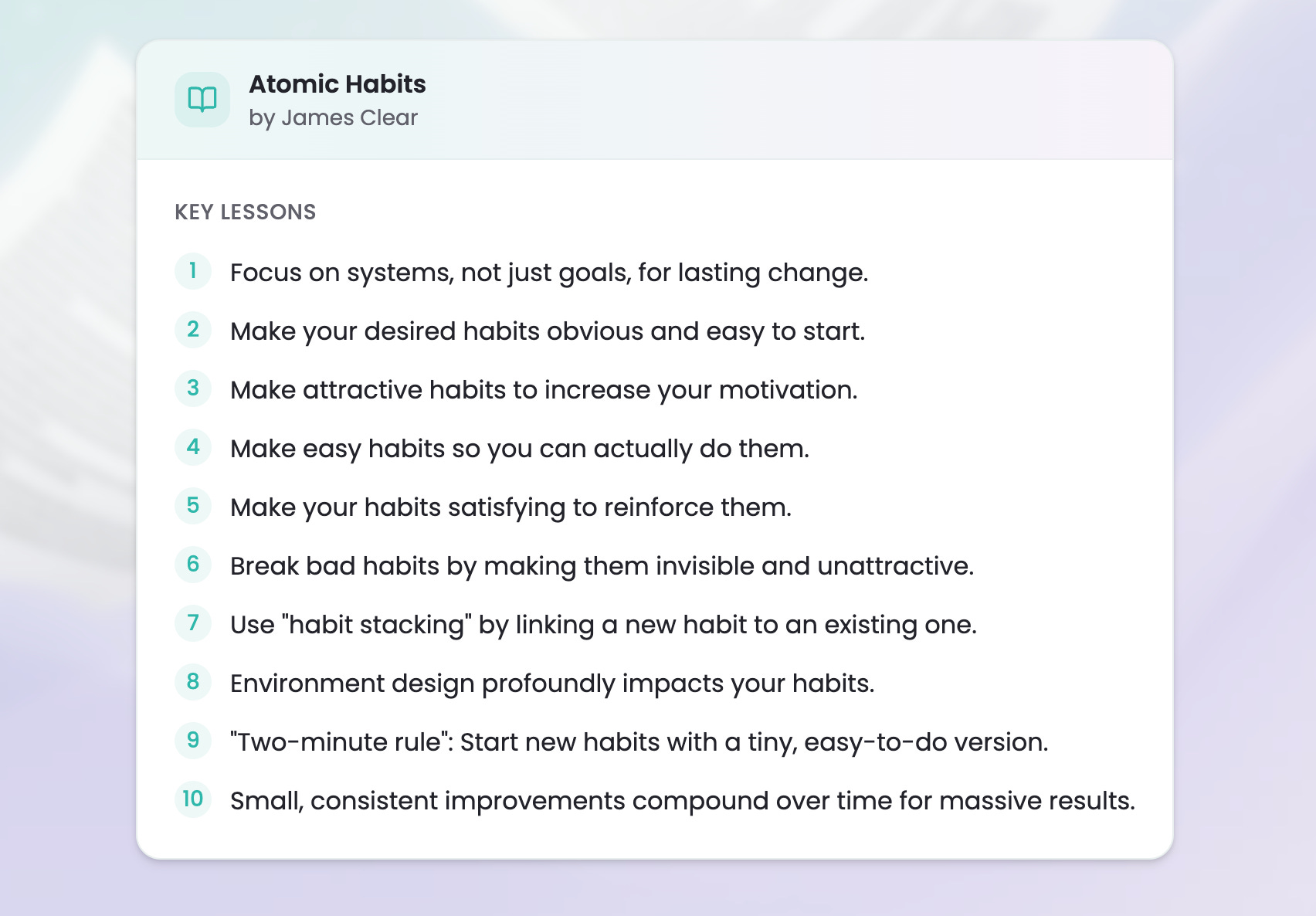
I typed in “Atomic Habits” by James Clear.
Here is what BookMind 📚 spit out in exactly 10 lines:
Why this matters.
Look at the formatting. Look at the precision.
The AI didn’t just “talk.” It followed your logic.
Exactly 10 lines.
Exactly 10 lessons.
Exactly as we prompted.
You’ve just moved from someone who “uses AI” to someone who engineers it.
You didn’t write a single line of CSS. You didn’t configure a server.
You just vibed. And it worked.
Step 4: The Deployment
We don’t wait for “perfect.” We launch.
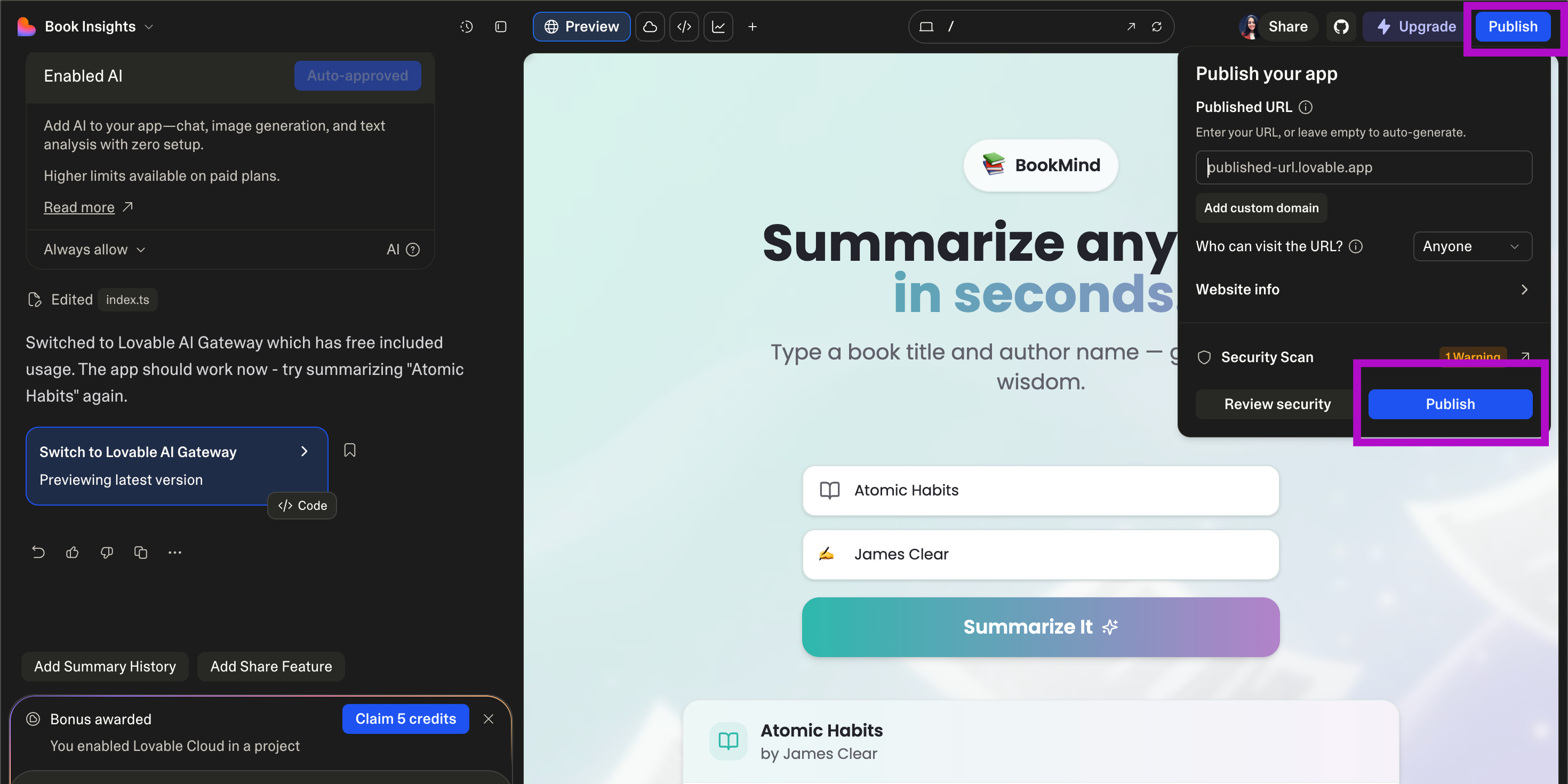
Hit the “Publish” button in the top right.
In 20 seconds, you have a live URL to your app ready for real users.
Share it. Test it with “Atomic Habits.”
If the 10 lines hit hard, you’ve succeeded.
The Receipt:
Time spent: 20 minutes.
Code written by me: 0 lines.
Cost: $0.
Value: Infinite.
The Reality Check: Most people spend 6 months learning "Hello World." You just built a full-stack AI engine in a coffee break.

The gap between you and a "Senior Dev" just shrunk by 90%.
What should we build next? Drop a comment with your “Impossible App” idea.
We might just build it next week.
The Lab.
We’re building a real “AI Meal Planner” live this Friday using the Lovable + Supabase stack.
Come watch us hit the “Apply” button in real-time.
It’s literally $1/month to join our tribe of builders.
Here is what we get when we join:
✦ Weekly Live Sessions: Watch us vibe-code from scratch every Friday. 7
✦ The Recipe Vault: Access our private library of Lovable-specific “Context Recipes.”
✦ The prompts blueprint for this exact tool we just built.
✦ Community Support: Get unstuck in 10 minutes by people who actually ship.