
Plan.
The 'Stupid Tax': Why you’re burning 10x more credits than elite Lovable builders.

You open Lovable.
You type your idea as fast as it comes out of your head.
You hit send.
And what comes back is almost right.
Not quite what you pictured.
So you type another prompt trying to fix it.
Then another.
Six prompts later, you’ve burned through credits and the app still doesn’t feel like yours.
Sound familiar?
That’s not a Lovable problem.
That’s a planning problem.
And Lovable already built the fix.
You just have to turn it on.
Why this matters right now.
Most people use Lovable the same way: idea in, app out.
That works for simple things.
But the moment your idea has more than one screen, more than one type of user, or any kind of logic behind it, a rushed first prompt creates a mess you spend the rest of your credits cleaning up.
Lovable knows this.
In December 2025, they shipped two features designed specifically to stop this from happening.
The first is Plan Mode.
The second is a follow-up questions tool that lets Lovable ask you what it needs to know before it builds anything.
Together they change how you work with the tool.
Not just what you build.
How you build.
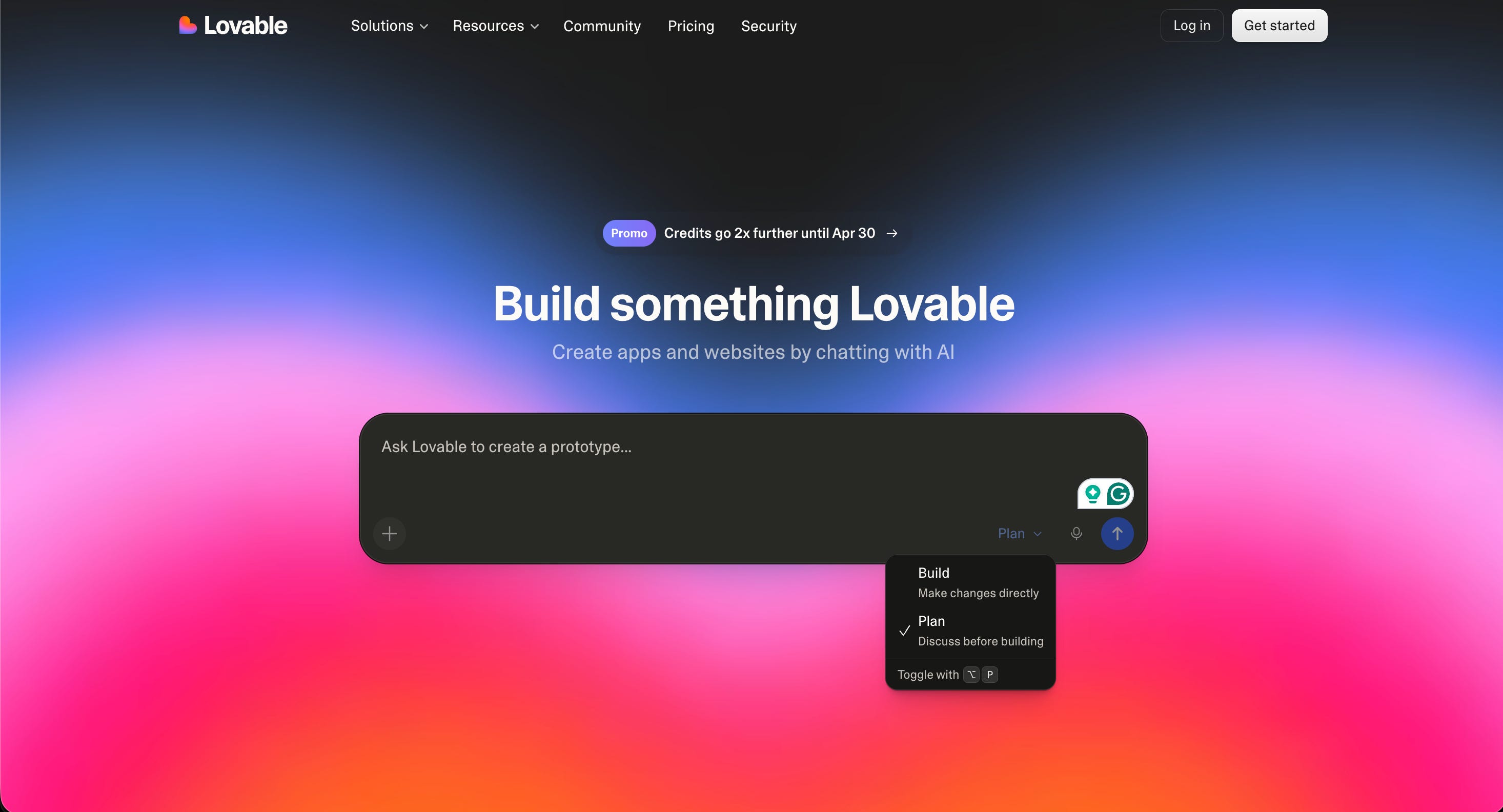
Here’s the big idea.
Lovable’s Plan Mode turns the tool into a planning partner before it becomes a builder.
You explain your idea in plain language.
Lovable asks you questions.
You answer them.
Then when you both agree on what’s being built, you say go.
Lovable described it this way in their own announcement: think of it as a planning session with a technical co-founder before diving into development.
That framing is exactly right.
Most non-technical founders don’t have someone to think through an idea with before they build it.
Now you do.
And it’s baked into the tool you’re already paying for.
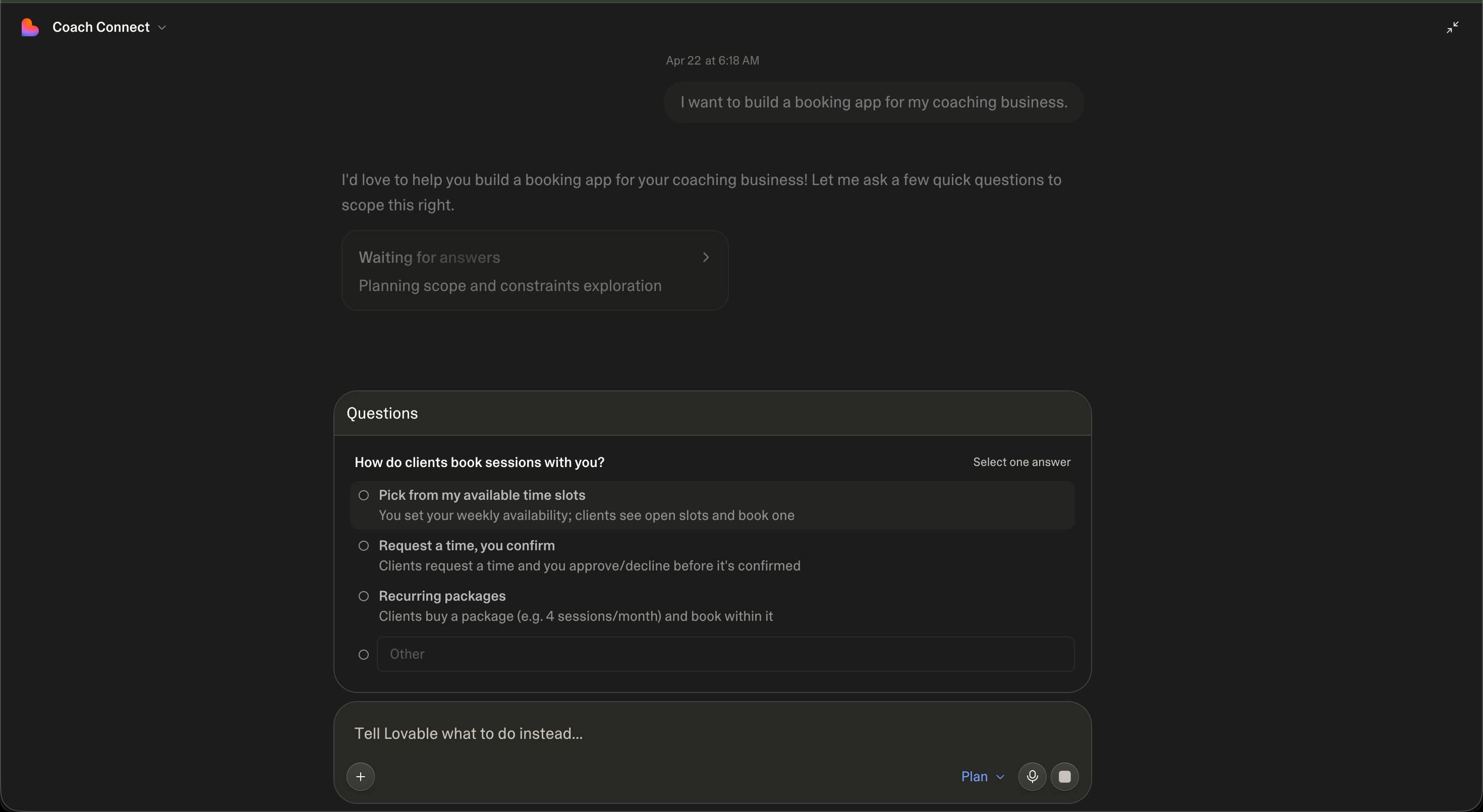
How to use it. Step by step.
Go to lovable.dev and start a new project.
Before you type anything, look at the bottom of the prompt box. Find the Plan Mode toggle and turn it on.
Type your idea in plain English. Don’t overthink it. Don’t try to be precise yet. Just describe what you want to build and who it’s for.
Let Lovable respond. It will ask you questions about your target user, key features, design preferences, and technical requirements.
Answer each question honestly. You don’t need technical answers. Just tell it what you actually want.
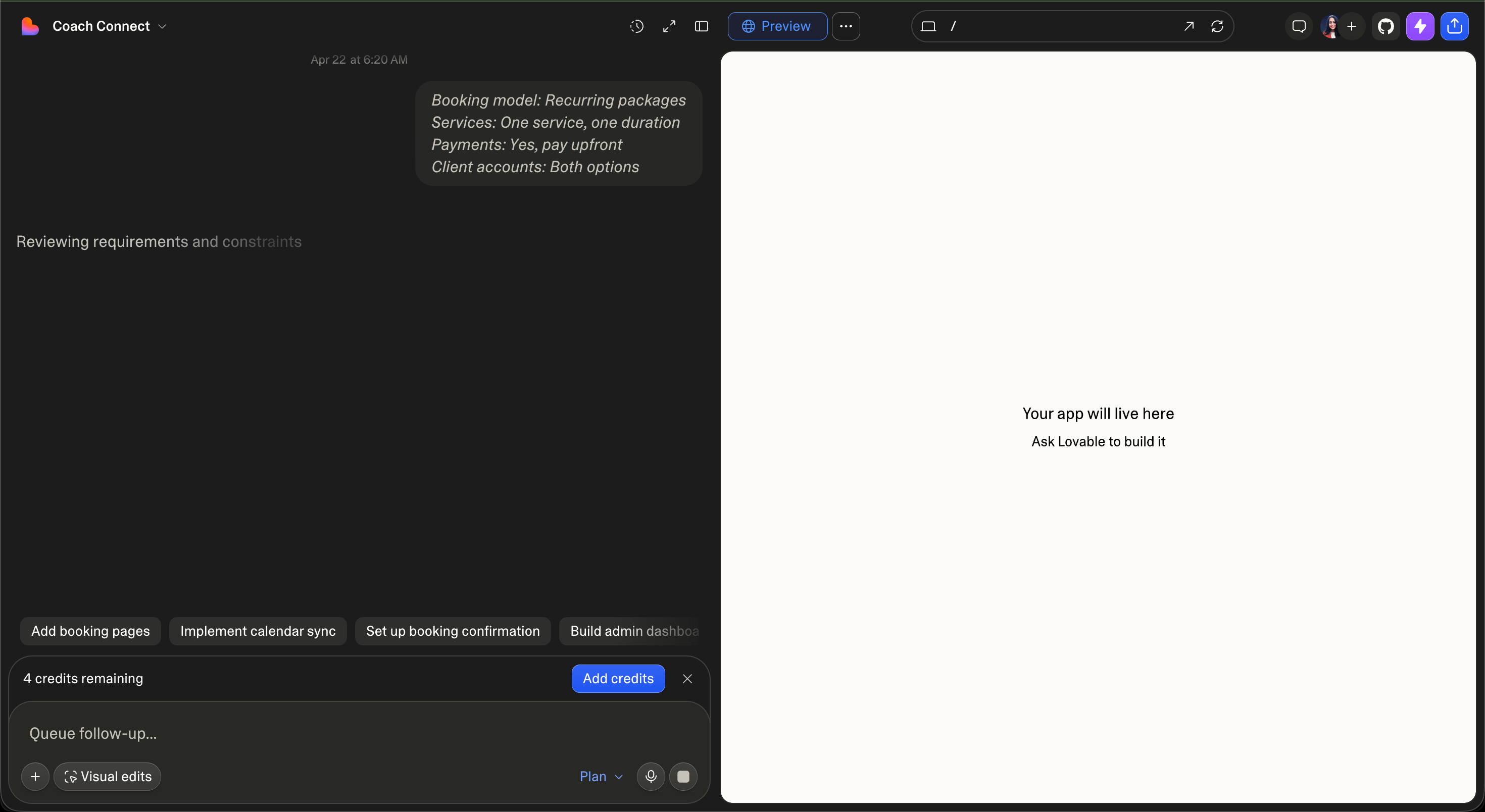
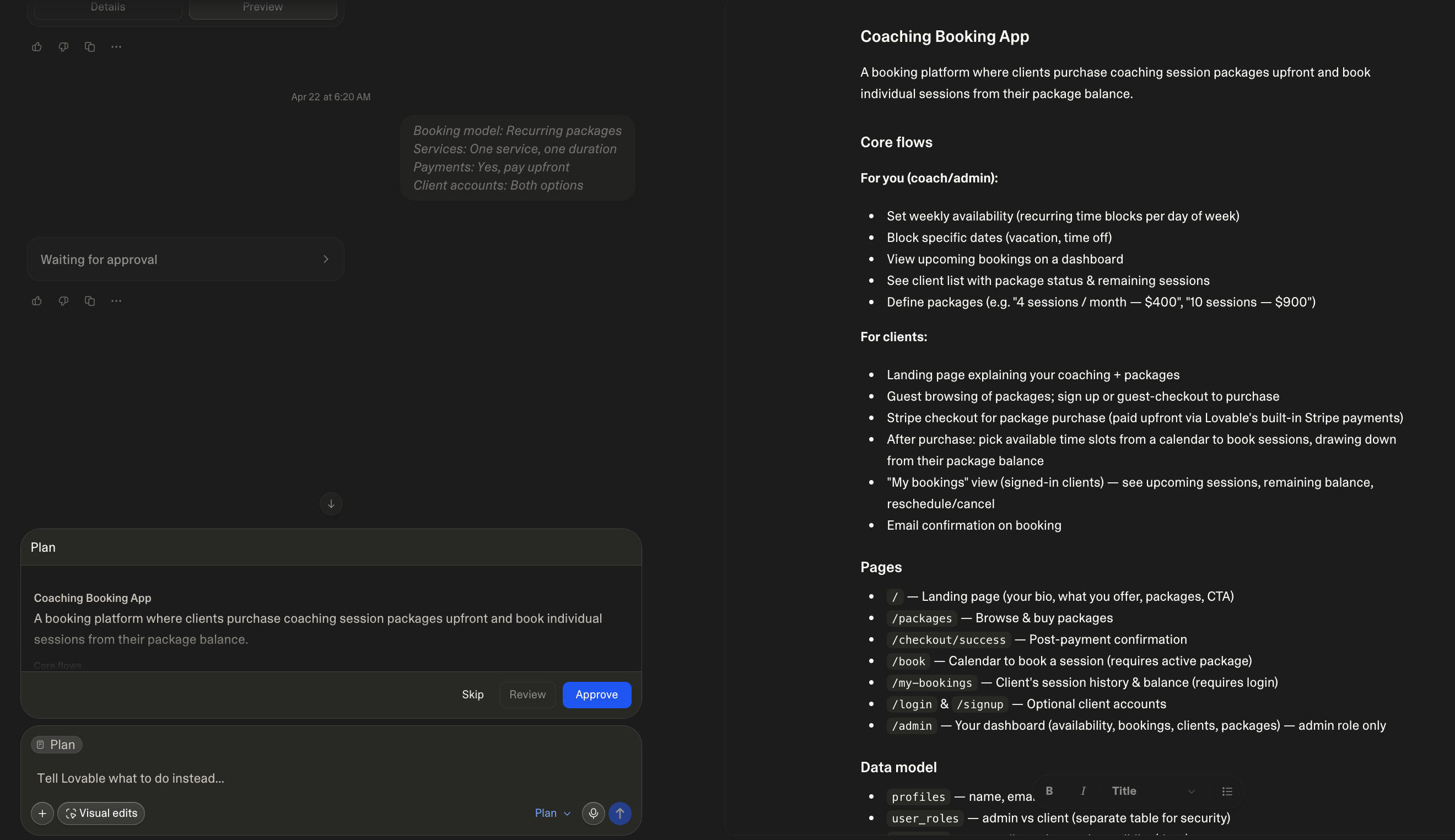
When Lovable has enough context, it will offer to start building. You choose when that happens.
Click build. Watch what comes out.
PS: I made a detailed guide on how to build apps using Lovable, which you can access here for free.
That first version will be closer to what you had in mind than anything you’ve ever produced with a one-shot prompt.
Trust me on this one.
The mistake almost everyone makes.
They use Plan Mode as a one-message planning session.
They type their idea, get one question back, answer it quickly, and click build.
That’s not wrong. But it’s not the full power of the feature.
Here’s what actually works.
Go slower.
When Lovable asks what your main user does, give a full answer.
When it asks about features, rank them. Tell it what’s essential and what can wait.
When it asks about design, give it a reference. “Clean and minimal like Linear” or “bold and colorful like Duolingo.”
The more context you give in the chat, the sharper the first build.
I made this mistake too.
I thought planning meant writing a better prompt.
It doesn’t.
Planning means having a real conversation.
The conversation is the prompt.
Copy this and fill in the blanks:
“I want to build [describe your app in one sentence].
My primary user is [describe who uses it and what they’re trying to do]. The most important thing it needs to do is [core action].
I don’t need [thing that’s out of scope yet].
Here’s a reference for the feel I want: [name one app or website with a similar vibe].”
The Vibe Coding 101 Foundation Doc: If Chat Mode is new to you and you want a fuller picture of how to prompt your way through any build, this is the doc that covers everything from zero. Access the vault here
The bigger truth.
The best builders don’t move faster.
They think more clearly before they move.
Plan Mode isn’t a slow-down.
It’s a shortcut disguised as a conversation.
Every minute you spend planning with Lovable is five minutes you don’t spend fixing an app that went the wrong direction.
You’re not being asked to learn to code.
You’re being asked to think before you build.
That’s something you already know how to do.
You’ve been doing it your whole life before any meeting, any pitch, any hire.
Do it before you build too.
Your turn.
What’s one app idea you’ve been too nervous to start because you didn’t know where to begin?
Drop it in the comments.
I read every single one.
And if this helped you see Lovable differently, send it to one person who’s been burning credits on first drafts that miss the mark.
They’ll thank you.
I write this every week for free.
No course. No paywall. Just the stuff that actually works, explained in plain English.
If you’re not subscribed yet, hit the button below.
You don’t want to miss what’s coming next week.
One more thing.
Reading this is one thing.
Actually building it, with someone who’s done it before looking over your shoulder, is a completely different experience.
That’s what the live coaching sessions in How to Vibe Code with AI are for.
Every week, we build together. In real time. You bring your idea, your stuck point, your half-built thing.
We fix it live.
No syllabus. No recorded videos collecting dust. Real sessions, real answers, real progress.
See you inside.