
Studio.
The 5-step way I build and ship a real app in Google AI Studio for $0.

Everyone’s about to land in the same place.
Firebase Studio is shutting down, and Google is funneling everyone toward Google AI Studio.
So this week, a lot of people are going to open a tool they’ve never really used and try to build something in it.
I’ve been in there since the I/O updates dropped.
I want to save you the fumbling.
This is the full walk.
Idea to a live URL, in the browser, free to start.
Five steps.
Every prompt written out.
Every place I’ve watched people get stuck, marked.
Let’s build.
1. The whole thing, before we touch anything.
Here’s the shape of what we’re doing, so you’re never lost:
Step 1: Describe the app so Studio builds the right thing the first time
Step 2: Iterate in plain language until it works the way you meant
Step 3: Add a backend so the app actually remembers things
Step 4: Deploy so it lives at a real URL anyone can open
Step 5: The weekly loop so you can keep improving it without breaking it
The tool that makes this possible now: after I/O 2026, Google AI Studio takes you from an idea to a production-ready application without leaving the browser, with one-click deploy to Cloud Run and Gemini 3.5 Flash under the hood.
That last year’s version couldn’t do this.
This one can.
That’s why it’s worth learning now and not later.
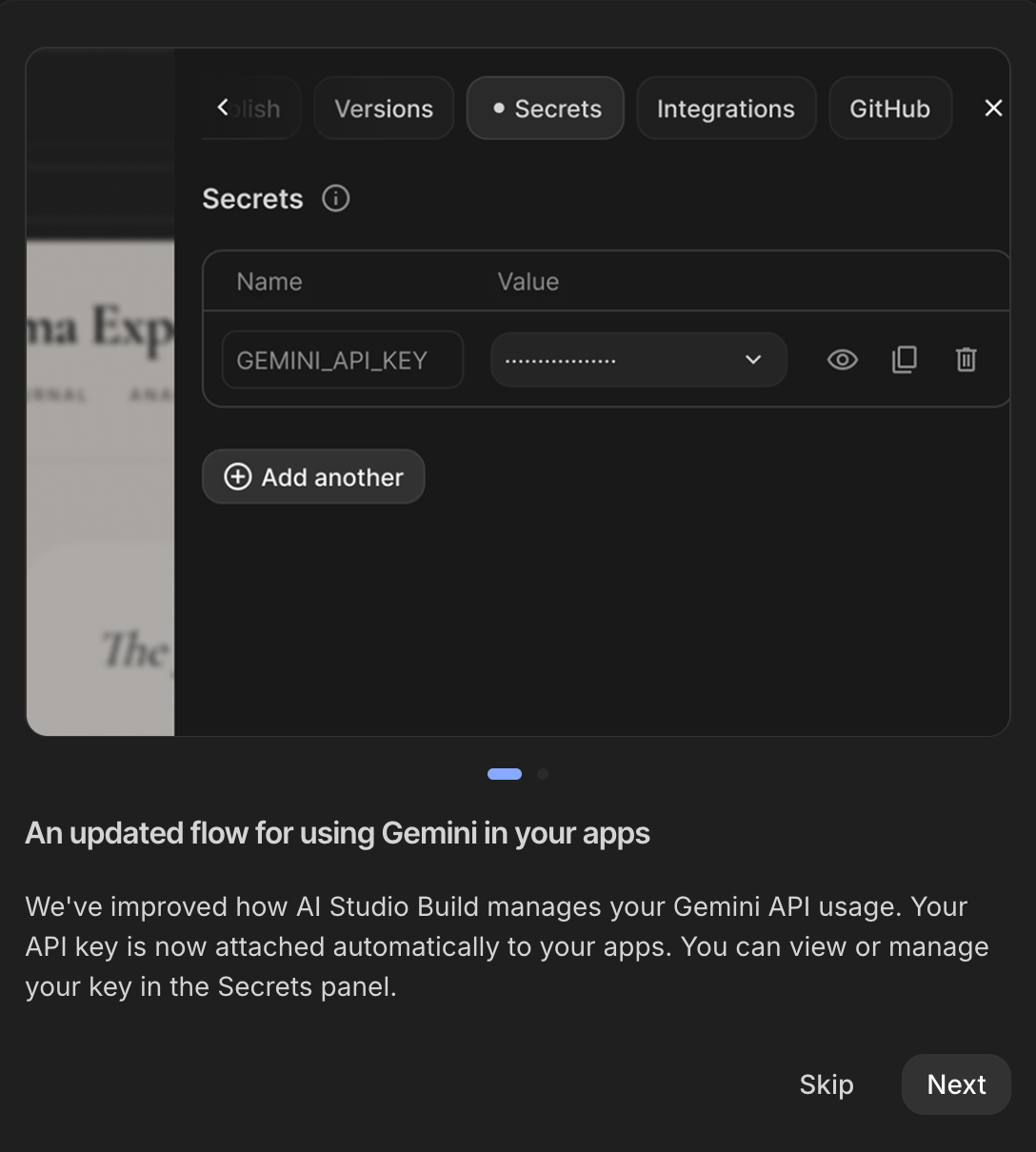
⚠️ Tool UIs update frequently, the button names below are current as of late June 2026.
2. Describe it right, or rebuild it three times.
This is the part that decides everything.
The single biggest reason AI-built apps come out wrong: the description was vague.
Vague prompts produce clever-looking code that does not do what you meant.
So we don’t start with “build me a habit tracker.”
We start with a real description.
Here’s the exact prompt structure I open Studio with.
Fill in the brackets and paste the whole thing into the Build tab:
Build me a web app. Here is exactly what it is and who it's for.

WHAT IT IS:
A [one-sentence description of the app].

WHO USES IT:
[Describe the one person who uses this. What's their day like?
Why do they open this app?]

THE SCREENS:
1. [First screen, what they see when they land]
2. [Second screen, where they go next]
3. [Third screen, settings, history, profile, whatever applies]

WHAT IT NEEDS TO DO:
- [Action 1 in plain language: "let me add a thing"]
- [Action 2: "show me my list of things"]
- [Action 3: "let me delete a thing"]

WHAT IT SHOULD LOOK LIKE:
- Clean and simple. Lots of white space.
- [One reference: "like a notes app" / "like a simple dashboard"]
- Works well on a phone.

DO NOT:
- Add features I didn't ask for
- Add a login system yet (we'll do that later)
- Use complicated language in the interface

Build the simplest version that does these things.
We'll improve it after I see it.
Notice the last two lines.
“Simplest version” and “we’ll improve it after I see it.”
That stops the AI from over-building and handing you a tangle you can’t follow.
Keep reading with a 7-day free trial
Subscribe to How to Vibe Code With AI to keep reading this post and get 7 days of free access to the full post archives.