
Migration.
Google is closing Firebase Studio. Here is what is actually happening (and the one small thing to do today, before anything else).

If you got the email, or saw the banner, your stomach probably dropped.
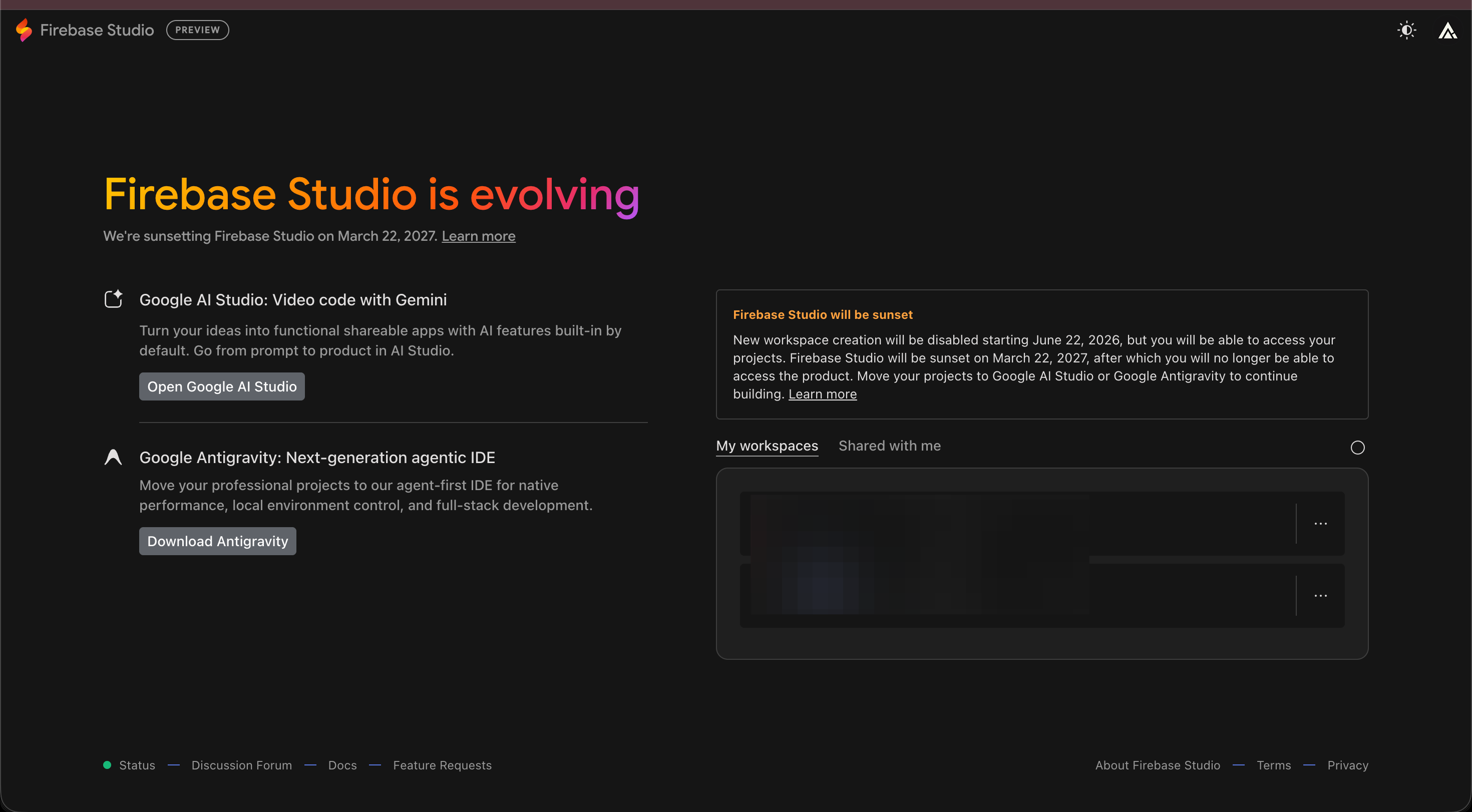
“Firebase Studio is sunsetting.”
That word, sunsetting, is a very calm way of saying “this is going away.”
And if you built your little app inside Firebase Studio, your first thought was probably the same as mine: wait, is my whole thing about to vanish?
Short answer: no.
Your app is fine.
Your data is fine.
But there is one small thing worth doing this week, and I am going to walk you through all of it in plain words.
New here? Subscribe so the next one lands in your inbox. It is free, and this is exactly the kind of “wait, what do I do now” moment I write for.
It goes like this:
What is actually closing (it is smaller than the panic suggests)
The three dates that matter (one already passed)
The one thing to do today: back up your work
Where you go next (your two doors, both from Google)
I will walk you through each one, with screenshots, like we are sitting at the same table.
But first, here is the thing that caused all the worry in the first place:
Two things before we start:
Save this email. You will want the dates in one place.
Send it to one friend who built something in Firebase Studio and is quietly freaking out.
Sharing costs nothing, and it is how this little newsletter keeps growing.
Quick, who am I to tell you not to panic.
I have been building things for seven years, and the last two of those without writing real code, just describing what I want to AI and shipping it.
I have lived through a lot of “this tool is going away” emails.
The first one I ever got, years ago, I genuinely thought I had lost a client project.
I sat there refreshing the page like that would help.
(It does not help. I can confirm.)
Here is the honest reason I am writing this one.
When that Firebase Studio email went out, the people who messaged me were not developers.
They were the exact people I teach: a bakery owner who built a little booking tool, a coach with a habit tracker, a mom running a tiny shop.
People with 400 unread emails and no time to “learn cloud infrastructure,” who just want the thing they made to keep working.
That is the whole reason I wrote a small book this month, called Hey Claude, for that exact person: the one who opens AI, gets one weird answer, and closes the tab.
It starts at the very first screen, no account yet, and walks you up to building a small tool just by describing it.
If a scary Google email is what brought you here, that book is the warm, no-tech-speak place I wish I could hand every one of those people.
(It is short, and it is cheap, and it is linked at the very bottom.)
Okay. Deep breath. Let me show you what is really going on.
1. First, what is actually closing (it is smaller than the panic suggests).
Here is the part nobody explained clearly, so people assumed the worst.
There are two different things that both have “Firebase” in the name, and only one of them is going away.
Think of it like a workshop and a warehouse.
Firebase Studio is the workshop.
It is the room where you described your app to the AI and watched it get built in your browser.
That workshop is the thing closing.
Firebase (the regular one) is the warehouse.
It is where your app’s data lives, your users’ logins, the actual hosting that keeps your app online.
That warehouse is staying open.
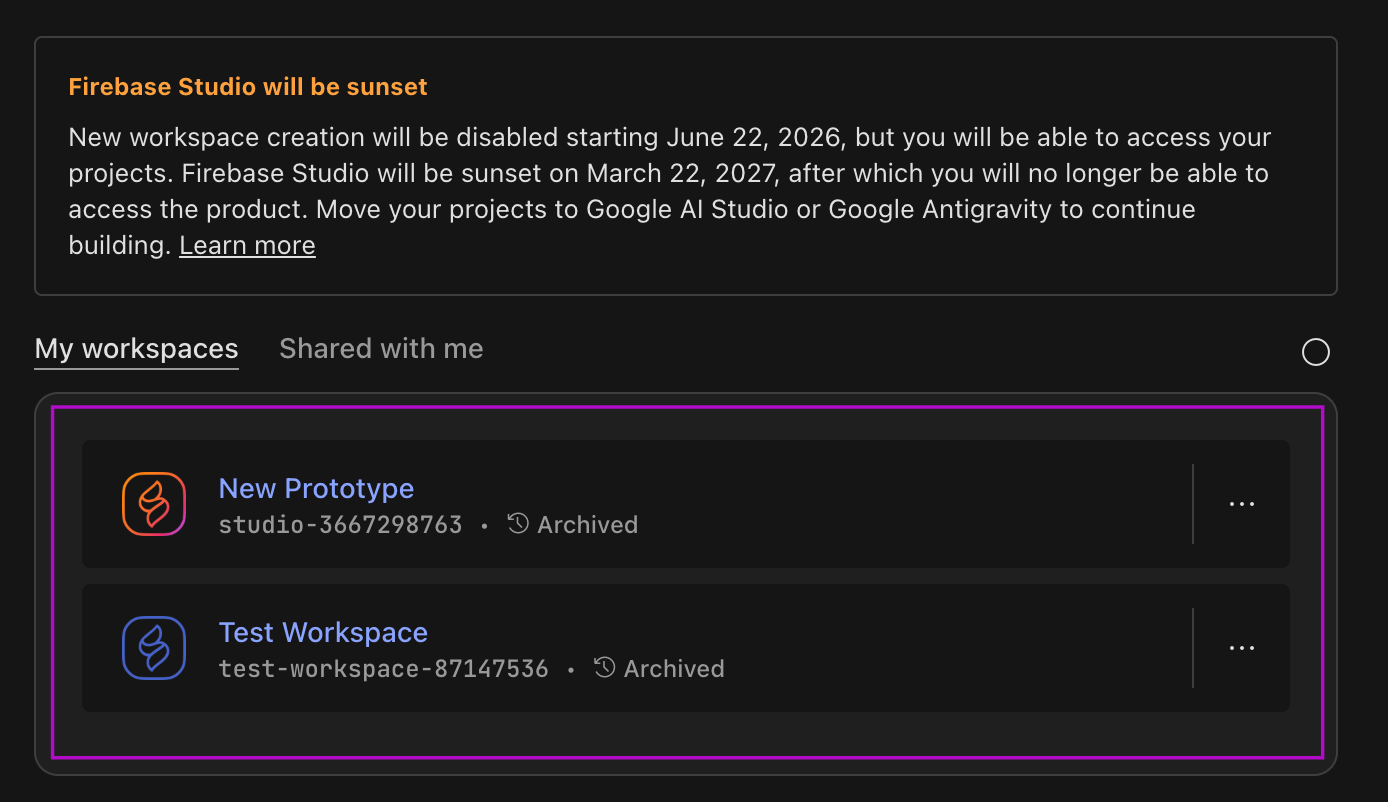
Google said it plainly: core services like the database (Cloud Firestore), the login system (Authentication), and the hosting (App Hosting) will keep working normally
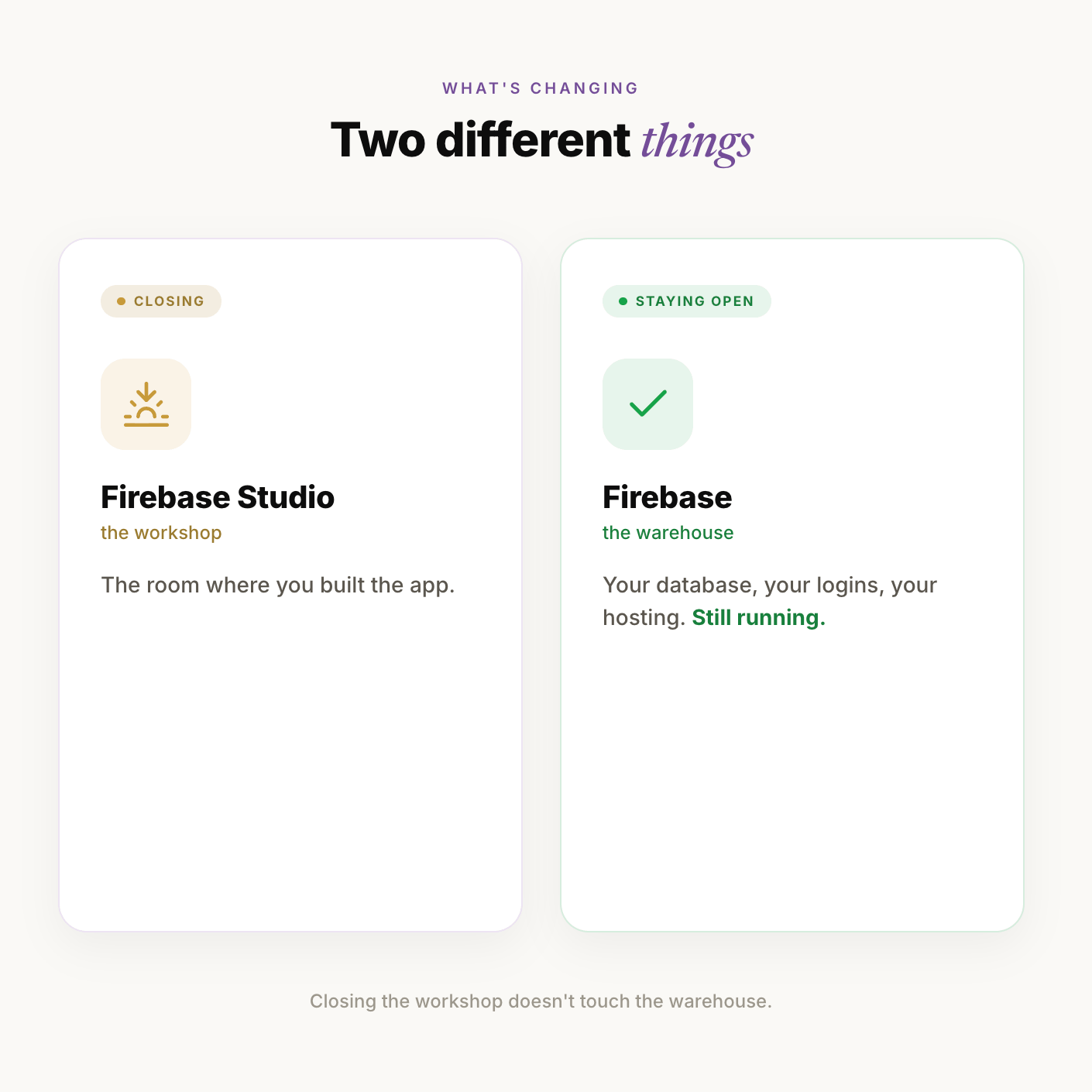
So if you built an app in Firebase Studio, the building you did it in is being torn down.
But the app itself, and everything it remembers, lives somewhere else, and that somewhere else is staying.
You just need to move your project out of the workshop before the doors lock.
If a friend of yours is panicking right now, this section alone will calm them down. Send it.
2. The three dates that matter (one already passed).
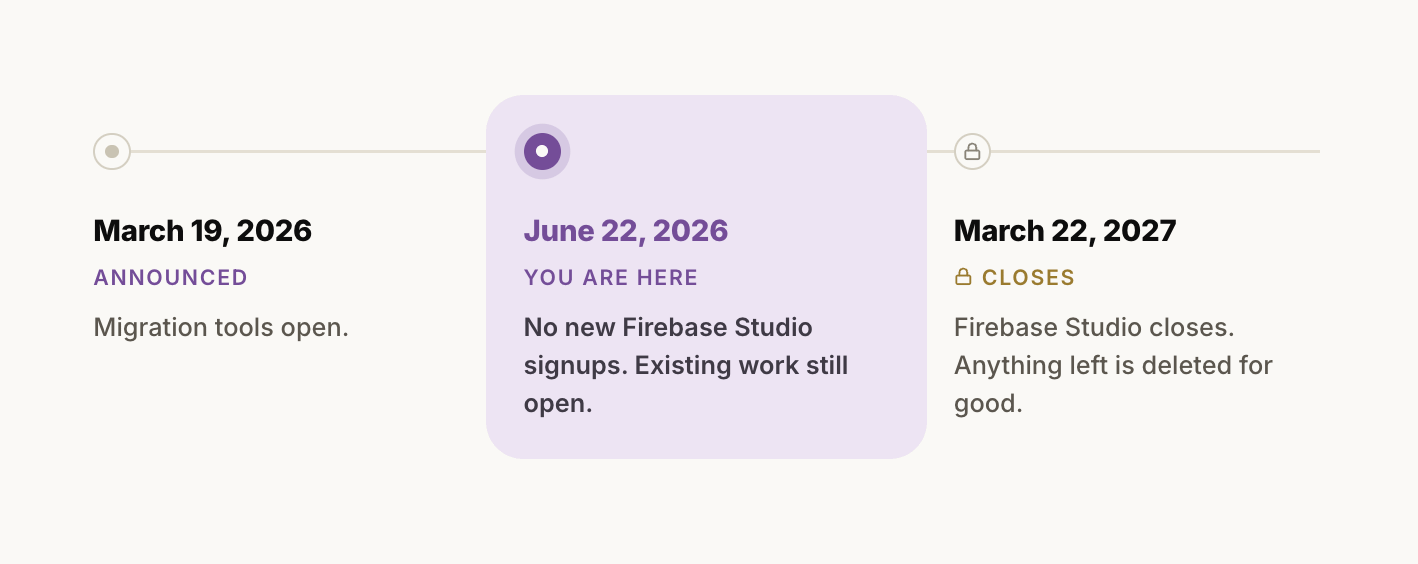
I am going to give you three dates and nothing else, because three is all you need
Let me say each one like a human.
March 19, 2026. Google announced it and turned on the tools to move your stuff out. That is the starting gun.
June 22, 2026. New people can no longer sign up for Firebase Studio. If you already have a workspace, it still opens and works.
(This one already passed, by the way, so if you tried to make a brand new Studio project and could not, that is why. It is not you.)
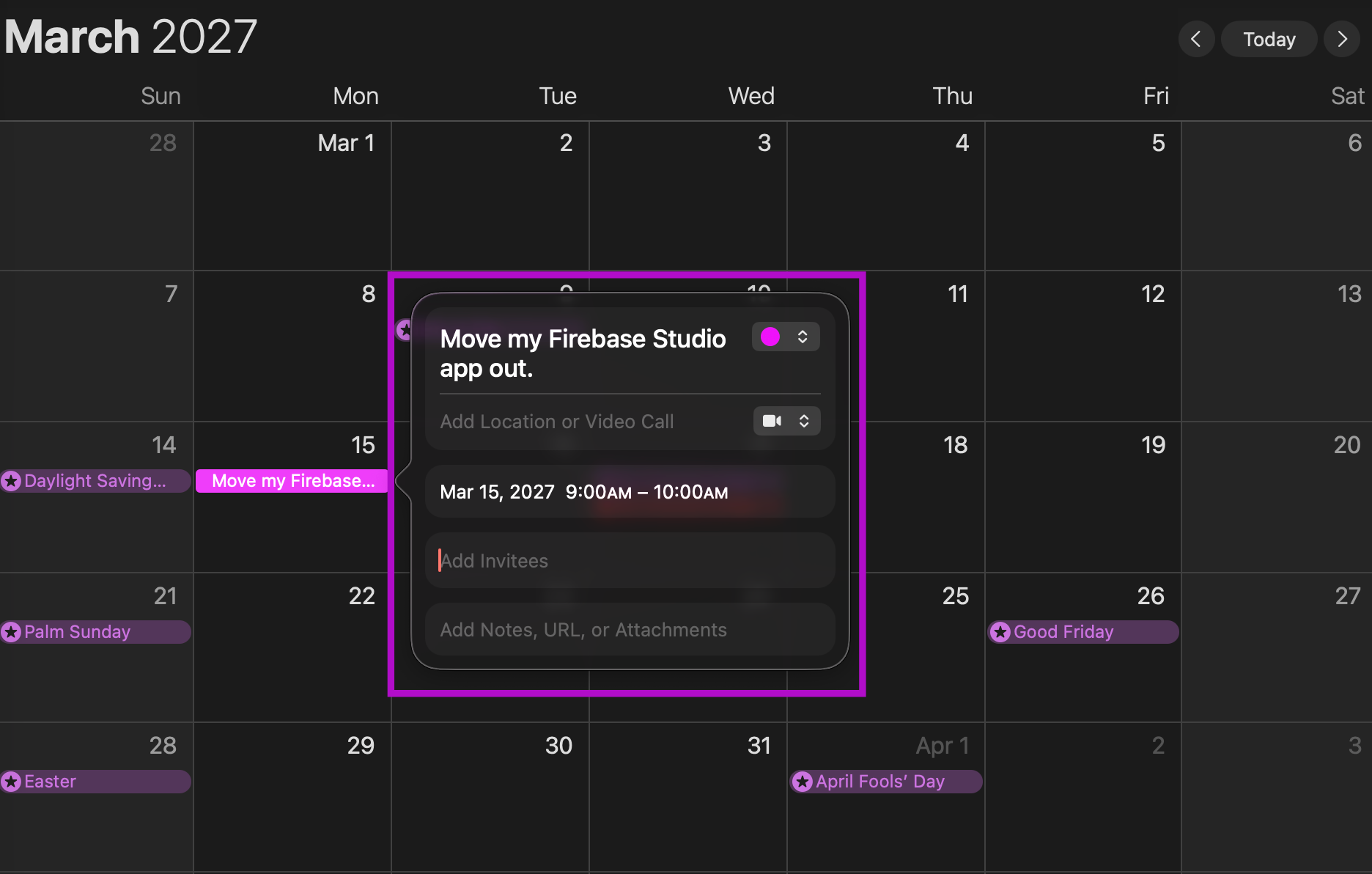
March 22, 2027. This is the one to circle. On this day Firebase Studio shuts off, and anything still left inside is permanently deleted and cannot be recovered.
So you have months, not minutes.
This is not a fire drill where you sprint.
It is a “do the small safe thing now so you are not doing it stressed in March” situation.
3. The one thing to do today: back up your work.
Everything above was so you would not panic.
This is the one small action that means you never have to panic again, even if you do nothing else for months.
You are going to make a copy of your project and save it to your computer.
That is it.
A backup is just a “if all else fails, I still have my stuff” insurance file.
(And it is free, and it takes about two minutes.)
Here is the whole thing, click by click.
Step 1: Open your Firebase Studio workspace in your browser. Sign in if it asks.
Step 2: Look at the very top of your workspace. You are looking for a button that says Move now. Click it
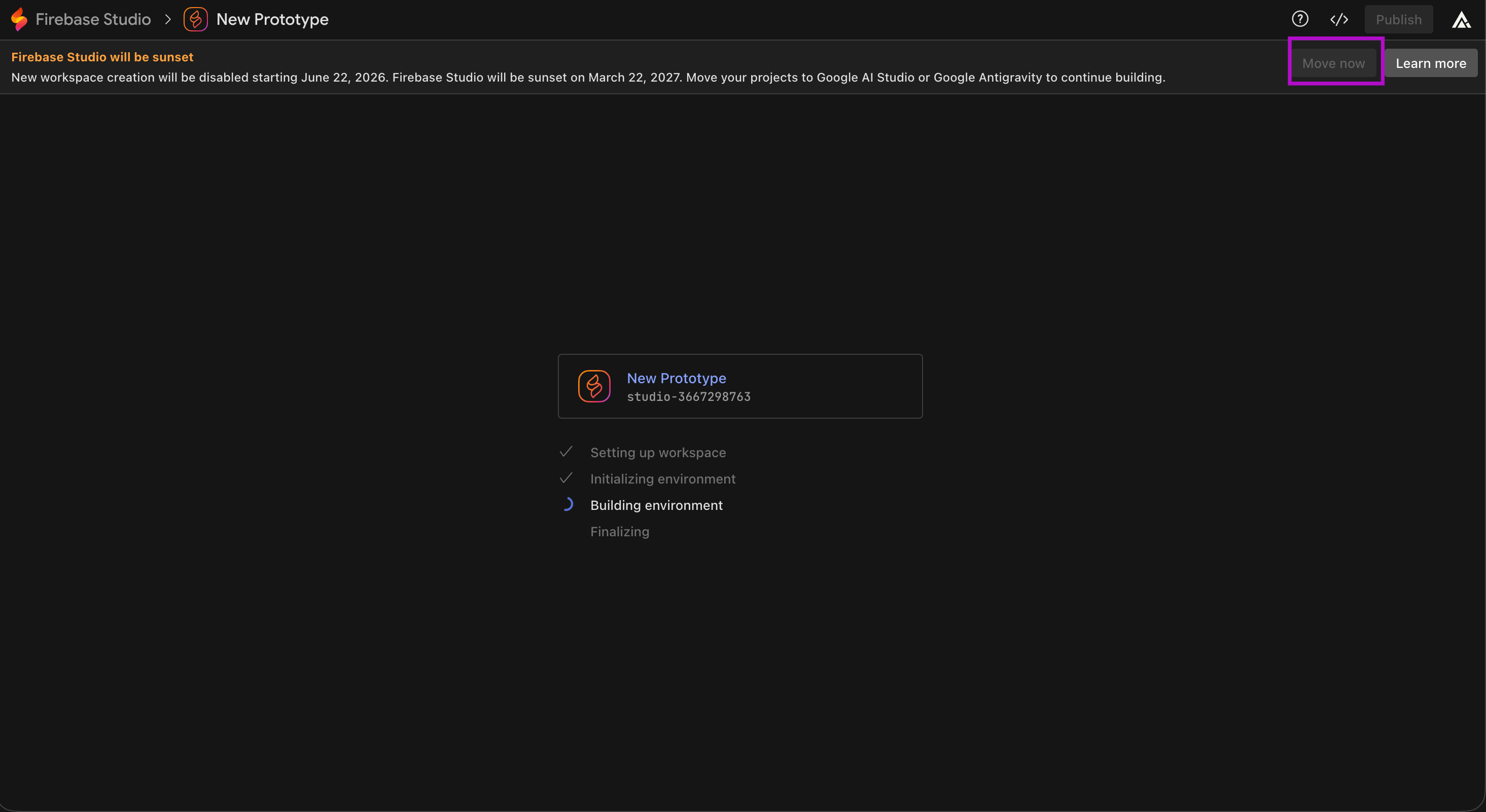
Step 3: A window pops up with options. Look for the choice that says Zip and Download. Click it.
(A “zip” is just a single packed-up folder with all your files inside, like putting everything in one suitcase. Easy to carry, easy to keep.)
Step 4: Your browser downloads a file.
It might land in your Downloads folder. That packed-up file is your backup. Drag it somewhere you will remember, like a folder called “My App Backup.”
The whole backup, start to finish. It really is just two clicks and a download.
Now, one gotcha, because I would rather you hear it from me than get stuck.
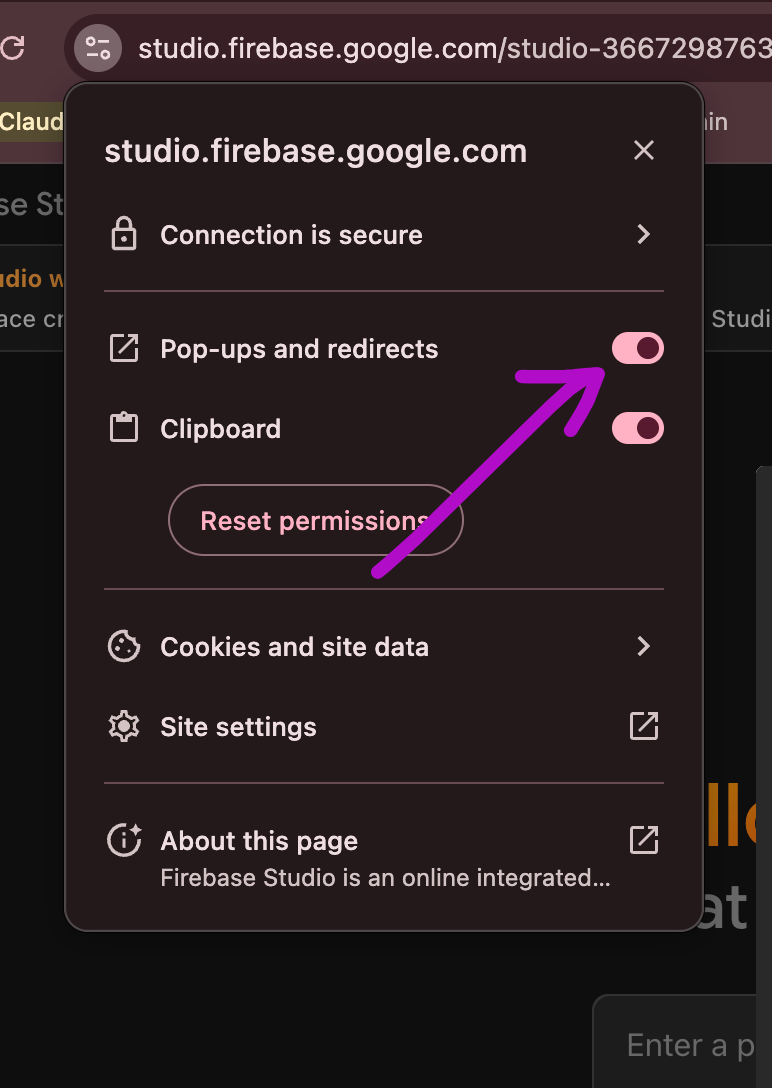
Sometimes you click and nothing happens.
That is almost always your browser blocking a pop-up.
Look at the right side of your address bar for a little “pop-up blocked” icon, click it, choose “always allow,” and click the button again.
(Ask me how I know. We do not talk about that afternoon.)
There is one bonus backup if you want it: your chat history with the AI agent.
Your conversations are not inside that zip by default.
To grab them, in Firebase Studio go to File, then Open Folder, accept the default folder it offers, then right-click the folder named .idx/ai and choose Zip and Download.
If it asks to rebuild, click Cancel.
(Totally optional. Skip it if you never need to re-read your prompts.)
That is the whole job for today.
You are now safe no matter what happens next.
4. So where do you actually go next.
Backing up is the safety net.
Actually moving your app to its new home is the next step, and Google gives you two doors.
I am only going to introduce them today, because each one deserves a full walk-through, and that is what the rest of this week is for.
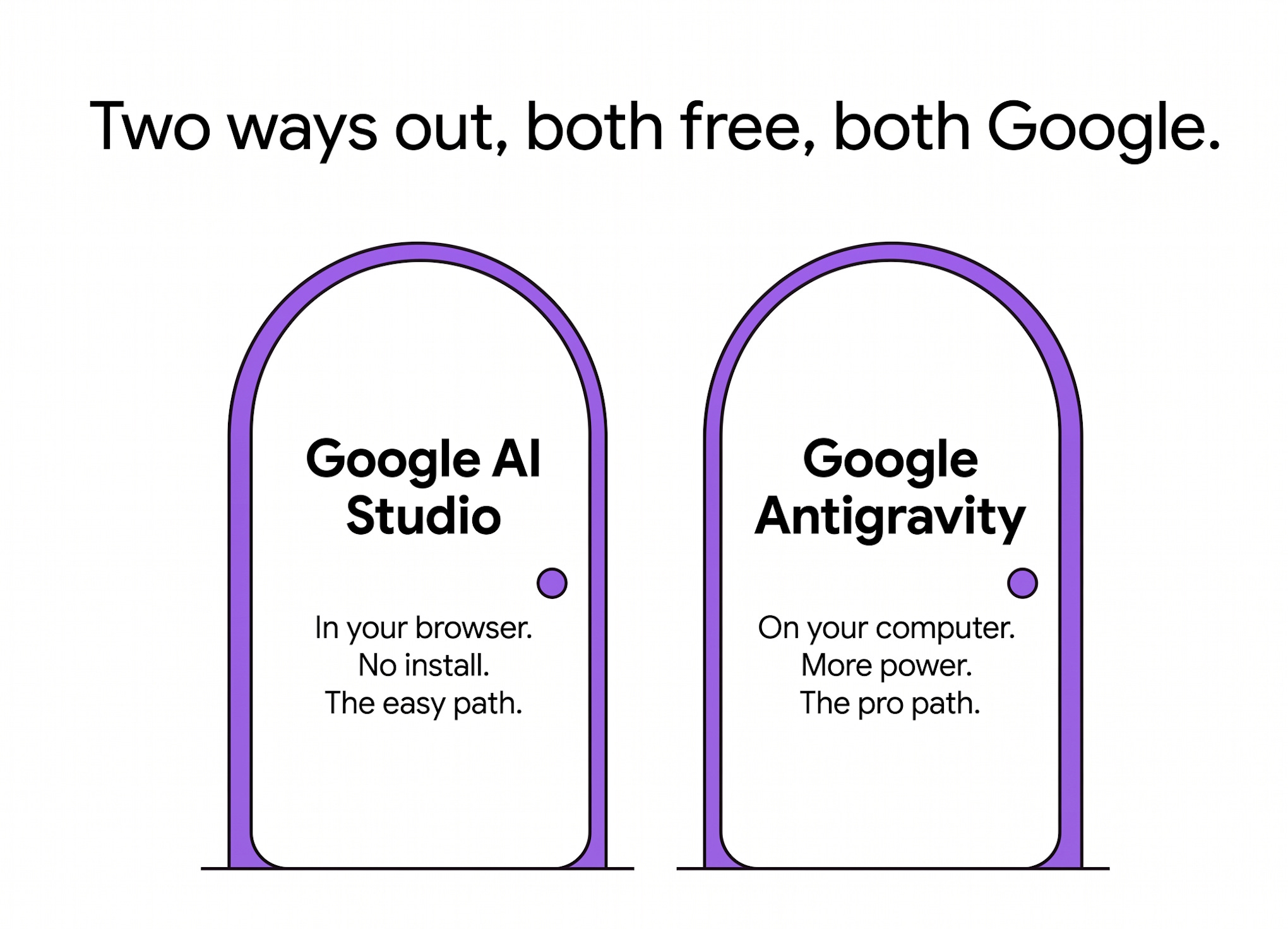
Door one is Google AI Studio. It lives in your browser, there is nothing to install, and it is the gentlest path. If you built your app by just describing it and watching it appear, this is almost certainly your door.
Door two is Google Antigravity. It is a free app you download onto your computer, and it gives you more control and more power. It is the path for when you want to keep building something serious.
You do not have to decide this second.
You just need to know both doors exist, and that I am walking you through each one.
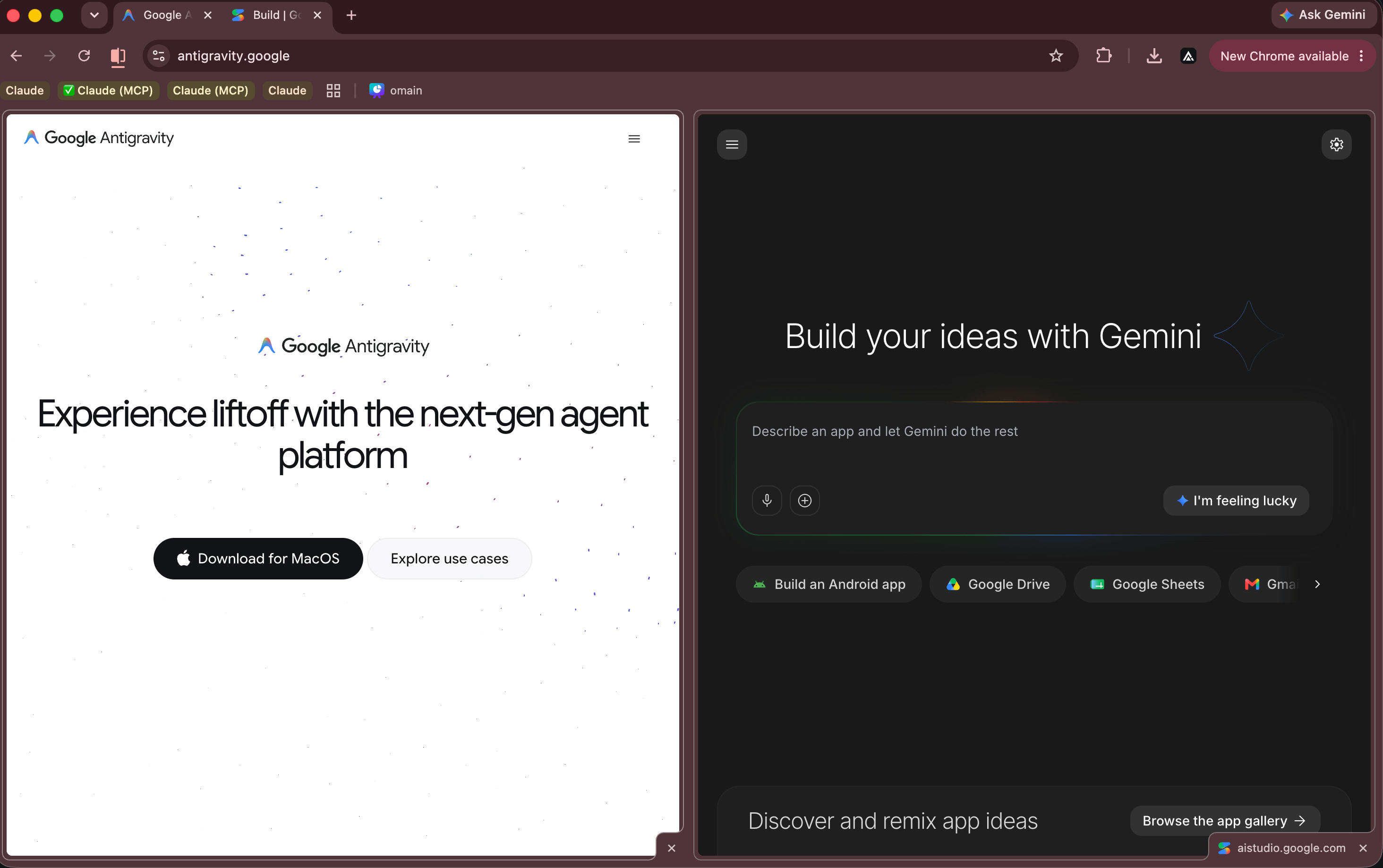
The full step-by-step for door one (AI Studio) is this Thursday.
The full step-by-step for door two (Antigravity) is this Sunday.
Both are paid, because they are the complete “do this and your app is safely living in its new home” walk-throughs, every click, every gotcha.
Today, free, you got the part that matters most: don’t panic, and back up.
Where this falls short (being honest).
A few real things, because I would rather you trust me than think this is magic.
It is still a move, and moves are annoying.
Even the easy door has a few steps. I am not going to pretend you click one button and you are done. (That said, it is closer to that than you fear.)
Shared workspaces are trickier.
If someone else made the Firebase Studio project and just shared it with you, only the original owner can use that “Move now” button. You can still save a copy of the code, but the login and database settings will still point at their account, not yours. If that is your situation, flag it now, it needs an extra step.
This is Google, and Google moves things.
I will be honest, the reason we are all here today is that Google closed a tool. The two doors I am sending you toward are also Google. I think they are the right call right now, and they are free and well supported, but nothing in tech is forever, which is exactly why backing up is a habit, not a one-time thing.
You did the scary part already.
I am not here to sell you a panic.
The whole internet is very good at selling you panic, and I would rather hand you a calm next step.
The truth about that Firebase Studio email is boring in the best way: your app is fine, your data is fine, you have months, and the only urgent thing was a two-minute backup you just learned how to do.
People read this because someone they trust forwarded it to them in a small moment of stress.
If it calmed you down, be that person for someone else who got the same email.
And if a friend sent you this one, thank them, then subscribe so the next “wait, what do I do now” guide finds you before the worry does.
SAVE THIS (the whole thing in five lines):
Firebase Studio (the workshop) is closing. Firebase (your data, logins, hosting) is staying.
The date that matters: March 22, 2027. After that, anything left is deleted.
Today’s only job: open your workspace, click “Move now,” click “Zip and Download.” That is your backup.
If the download does nothing, allow pop-ups and try again.
Two doors out, both free: Google AI Studio (easy, browser) and Google Antigravity (powerful, app). Walk-throughs this week.
PS: If a scary tech email is the reason you are reading this, and you have been quietly avoiding “learning AI” because every guide is written for engineers, my little book Hey Claude is the opposite of that.
It starts before you even have an account and walks you up one tiny step at a time. It is short on purpose, because you are busy, and I know.
Link is on my profile and in the shop. No pressure, it will be there when you want it.