
Google AI Studio.
5 things Google just changed in AI Studio, and the 1 feature every non-technical founder should test this week.

Something shifted in your Google AI Studio tab last week, and most people missed it.
Google I/O 2026 happened on May 19th.
It was packed.
Gemini 3.5 Flash.
Firebase is going agent-native.
A new platform called Antigravity.
Announcements back to back, all aimed squarely at people who build software.
Most coverage went straight to the technical audience.
But buried inside those announcements were five changes to Google AI Studio, specifically, the free tool that non-technical founders already use to prototype with Gemini,
and at least one of them changes what you can actually do without writing code.
I’ve been using AI Studio since they made the free tier available.
I build a lot of prototypes there before touching anything else.
What just landed at I/O is the most significant upgrade since I started.
Here’s what changed. Here’s what it means for you.
And here’s the one thing I want you to test this week before anything else.
1. What is Google AI Studio, if you haven’t used it
What this is:
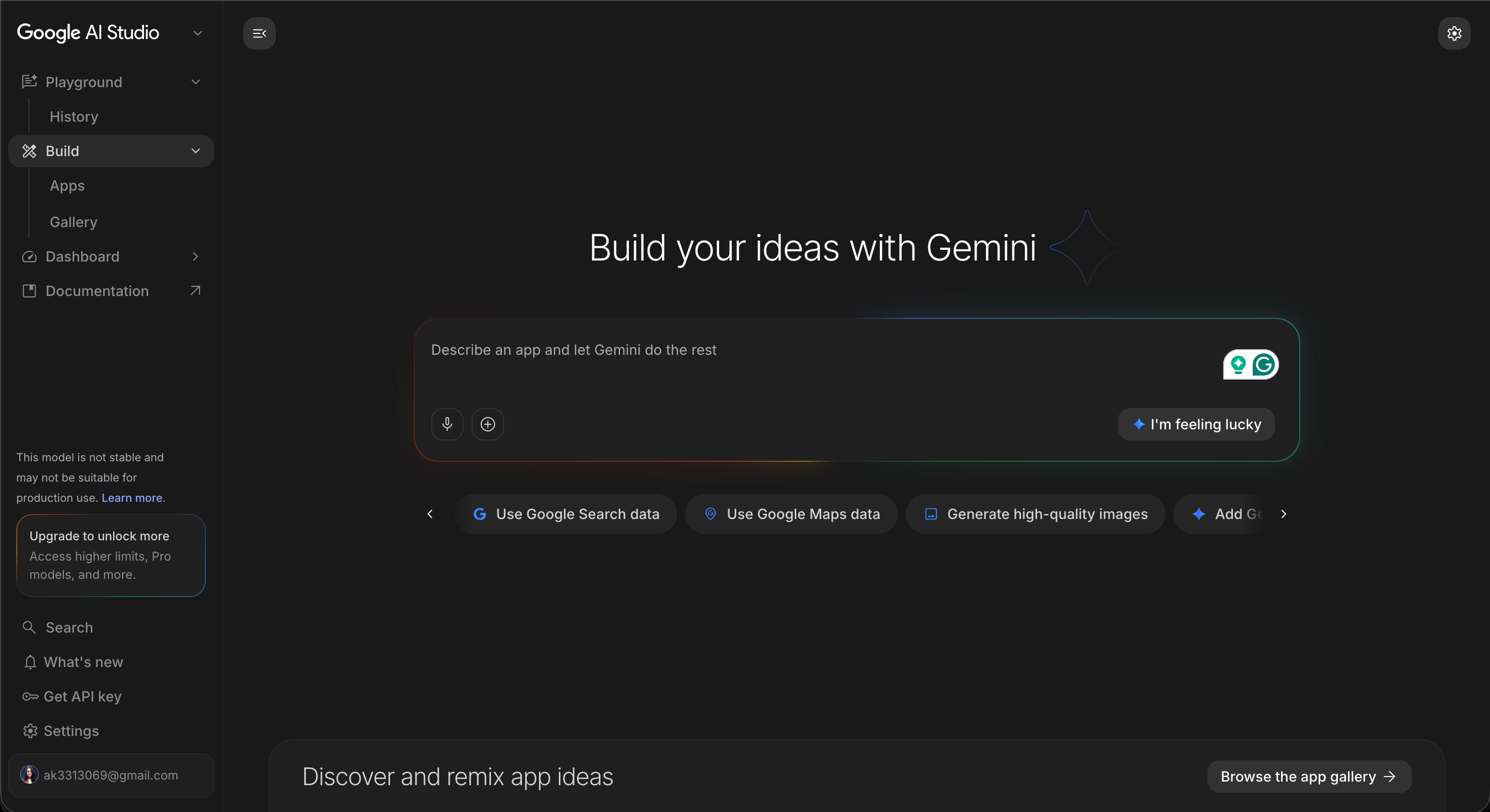
Google AI Studio is a free, browser-based tool at aistudio.google.com.
You sign in with a Google account, no credit card, no setup.
It lets you prototype with Gemini models, generate API keys, and now,
after I/O 2026, go from a prompt all the way to a deployed application.
Before I/O, it was a sandbox.
A place to test prompts, explore models, and get an API key for your Lovable or Supabase project.
After I/O, it’s something closer to a full building environment.
The difference matters more than it sounds.
A sandbox is where you experiment.
A building environment is where you ship.
Why it matters for you as a non-technical founders:
AI Studio is free.
It runs in a browser.
It’s connected to Gemini, which means it has access to the same models that are powering the apps your developers are building right now, without the developer.
If you’ve been using it just to generate prompts or test API behavior, you’ve been using 30% of what it can do.
2. The five things that changed
What’s actually new:
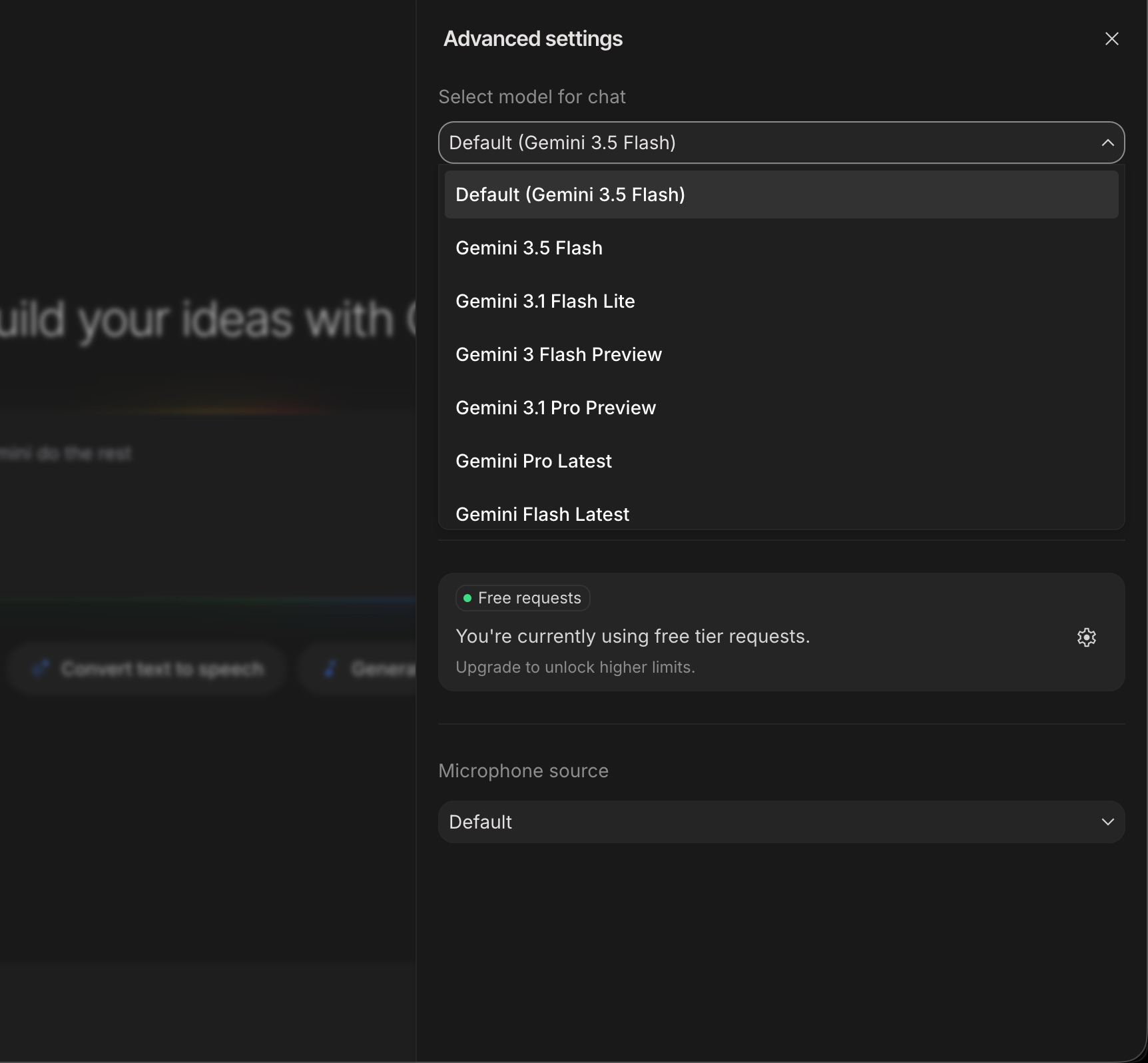
1. Gemini 3.5 Flash is now the default model.
This launched May 19, 2026. Gemini 3.5 Flash outperforms Gemini 3.1 Pro on most coding tasks while running significantly faster.
For prototyping, this means better output by default, no changes to your workflow required. The free tier in AI Studio includes Flash models.
2. One-click deploy to Cloud Run.
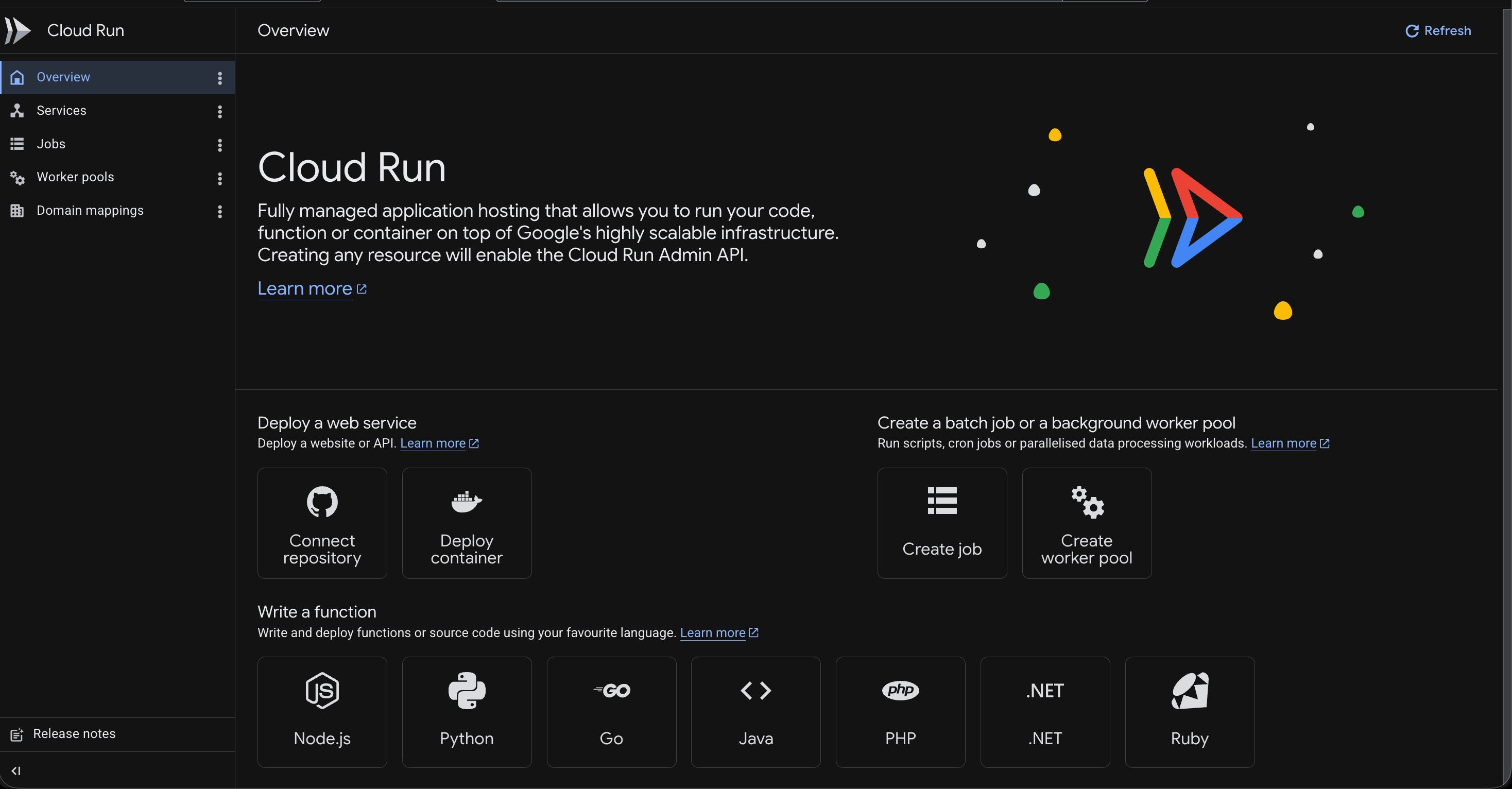
You can now take a prototype you’ve been building in AI Studio and deploy it directly to Google Cloud Run without leaving the browser.
Cloud Run is Google’s serverless container platform, it handles scaling automatically, and it has a free tier for low-traffic apps.
3. Firebase integration. AI Studio now provisions Firebase services directly from within a project.
When you’re building something that needs a database, authentication, or file storage, the path from AI Studio to Firebase got shorter.
Previously you’d build in AI Studio, export, then set up Firebase separately or use supabase or any other database.
Now they connect.
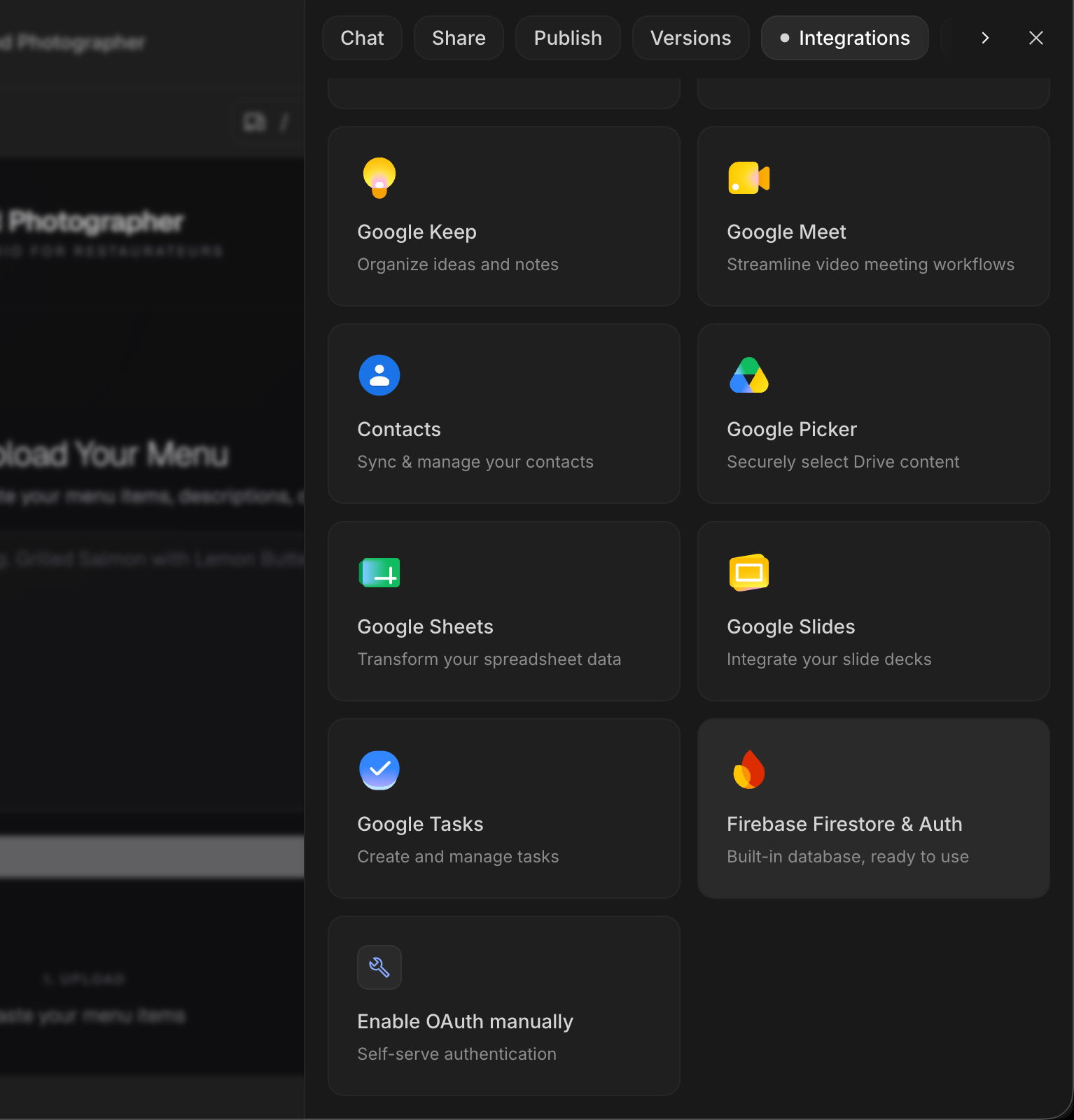
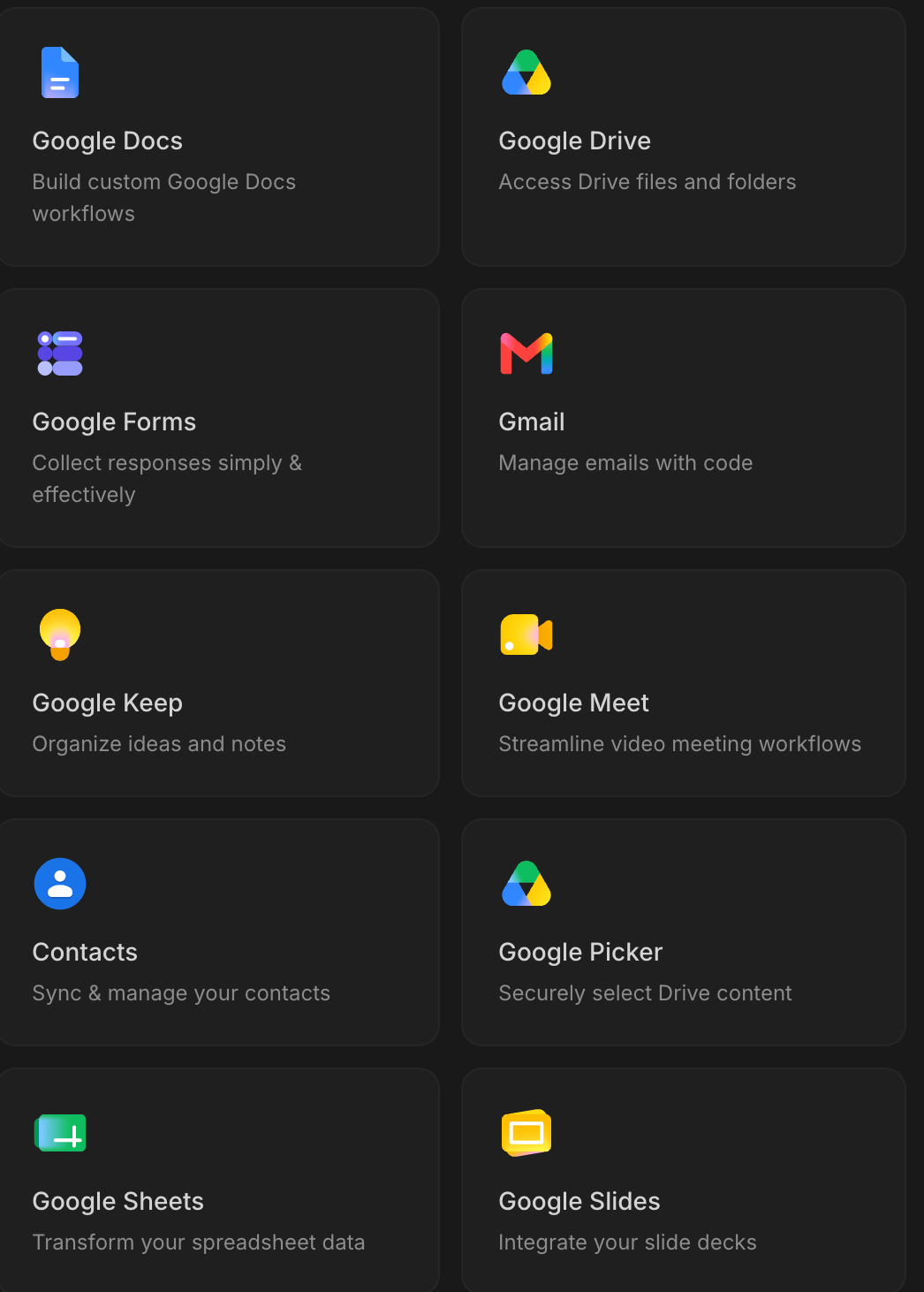
4. Google Workspace integrations.
If you use Google Docs, Sheets, or Drive for your work, and if you’re a founder, you probably do, AI Studio now has native integrations.
This opens up workflows around content, documents, and structured data that weren’t available before.
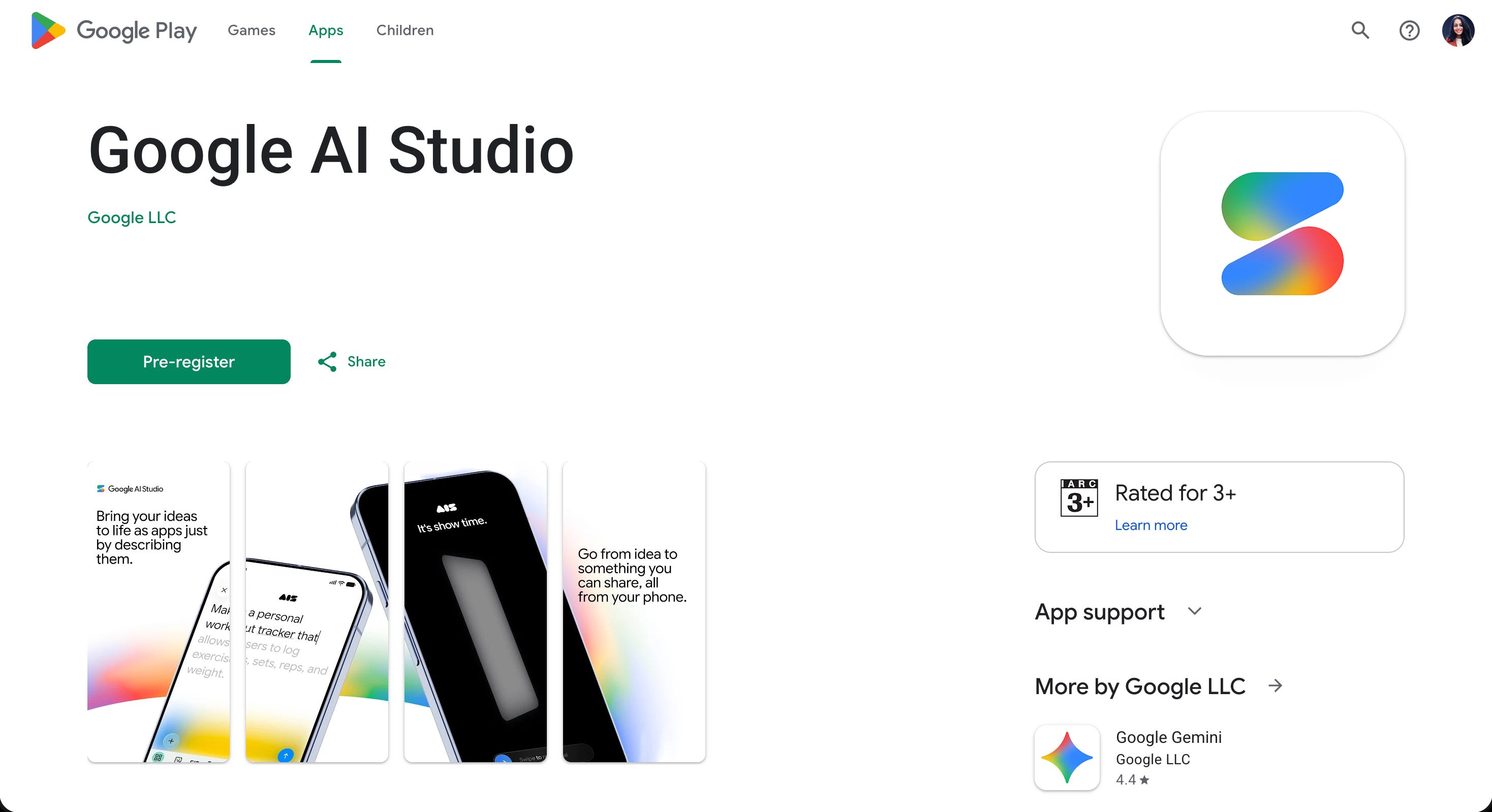
5. An AI Studio mobile app.
Google announced a dedicated mobile app for AI Studio at I/O.
For now, it is available to pre-register for Android users.
Five things in one announcement.
The boring version: Google closed a lot of gaps between “prototype it” and “actually ship it” in one week.
3. The one thing to test this week
This is what I want you to actually do before the week ends.
Open aistudio.google.com.
Sign in with your Google account.
Start a new project and describe a simple app you’ve been thinking about building.
Not your whole product, just one feature.
→ A waitlist page with a form.
→ A tool that takes an input and gives you a formatted output.
→ A landing page for something you’re selling.
Type your idea as clearly as you can.
Don’t worry about technical language.
Just describe what you want someone to be able to do.
Let AI Studio build it.
Watch what the default Gemini 3.5 Flash model does compared to what you remember AI Studio doing a month ago.
The quality gap is real.
Then look for the publish option.
Even if you don’t click it this week, find it.
Know it’s there.
That awareness alone changes how you think about what a prototype means.
Paste that into AI Studio with your details filled in. See what comes back.
You are helping me prototype a simple web app.

My goal: build a [one-sentence description of what the app does].

The person using this app: [who it's for — their role, their problem].

What I want the app to do:
- When someone opens it, they see [what]
- They can input [what]
- The app gives them back [what output or action]

Constraints:
- Output should be clean and simple, no unnecessary elements
- Use plain language, not technical jargon in the interface
- Make it look professional but minimal

Start by showing me the working interface. Then tell me what I'd need to connect to make this functional.
This isn’t a complex prompt. The point is to have something in your hands, not to plan for next month.
If this is useful, send it to one founder who’s been meaning to try Google AI Studio.
4. What the full system looks like, and where the work actually happens
Here’s the honest version of what I/O 2026 gave us.
AI Studio got a lot better at the prototype → publish pipeline.
The gap between “I built something cool in AI Studio” and “I have a real app running” got smaller.
But it didn’t disappear.
The full system, for a non-technical founder building something real, has five pieces:
Idea to prototype in AI Studio (what I just described above)
Prototype to functional app: connecting real data, real auth, real behavior
Firebase/Database setup: database, auth, and hosting configured correctly
Deploy: getting it live, with a real URL, for real users
Maintain: what to do when something breaks, changes, or needs to grow
I’ll show you piece one today.
The rest is what we build every week in the community, alongside other non-technical founders going through the same process.
Each piece has failure modes.
Each piece has a right way to do it that most tutorials skip.
The system isn’t complicated, but you don’t want to figure out the failure modes alone at 11pm.
Two ways to take this further.
If you want to build this yourself, alongside other non-technical founders doing the same thing, the community is where that happens.
We work through the full system every week.
→ Join How to vibe code with AI.
If you’d rather have a team build it for you, my agency Arehsoft works with founders who want to go from idea to working product without doing it themselves.
→ Schedule a free consultation call with me.
I’ve been testing the new AI Studio setup since May 19th.
Here’s the prompt I added to my vault this week,
the one I’m using to map out a full AI Studio build before I write a single line of anything else.
You are helping me plan a complete app build using Google AI Studio and Firebase.

My goal: build [specific app/feature description].

My users: [who they are, what problem they have, what they expect from the app].

Before I start building, I need a clear map of:
1. What the app does (in plain language — no code, no jargon)
2. What data it needs to store and how users will interact with it
3. What Firebase services I'll need (database, auth, storage — which ones and why)
4. What I should build first in AI Studio to prove this works before connecting a backend
5. The 2-3 things most likely to go wrong and what to do when they do

Constraints:
- I am not a developer. Explain everything in plain language.
- Focus on free or low-cost tools where possible — Google AI Studio free tier, Firebase Spark plan
- Don't assume I know any technical abbreviations or terms
- If something requires a paid upgrade, tell me when that happens and approximately what it costs

Start with a one-paragraph plain-language description of what I'm building and who it's for. Then give me the 5-point map above.
I’m not here to tell you Google I/O is the most important thing that happened this week.
I’m sharing it because I actually use these tools, I tested the new setup, and the changes are real.
Not hype. Not marketing.
The AI Studio → Firebase pipeline got meaningfully better in 5 days.
If you haven’t opened AI Studio recently, open it this week.
100s of founders read this because someone they trusted sent them an article.
If this was useful, be that person for one founder you know.
If someone sent you this, you can subscribe here: